Version 1.0.91 (99)
New Features
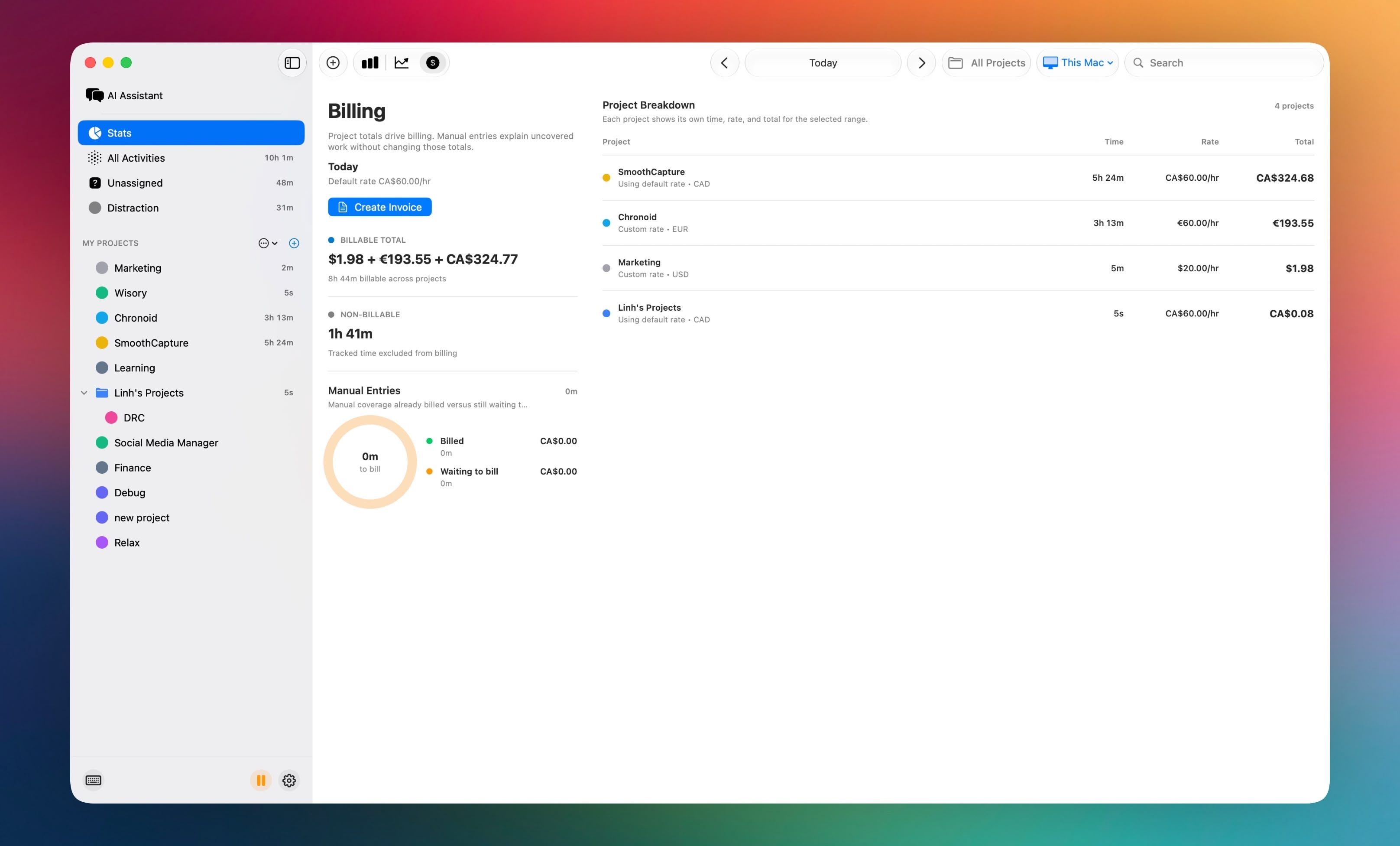
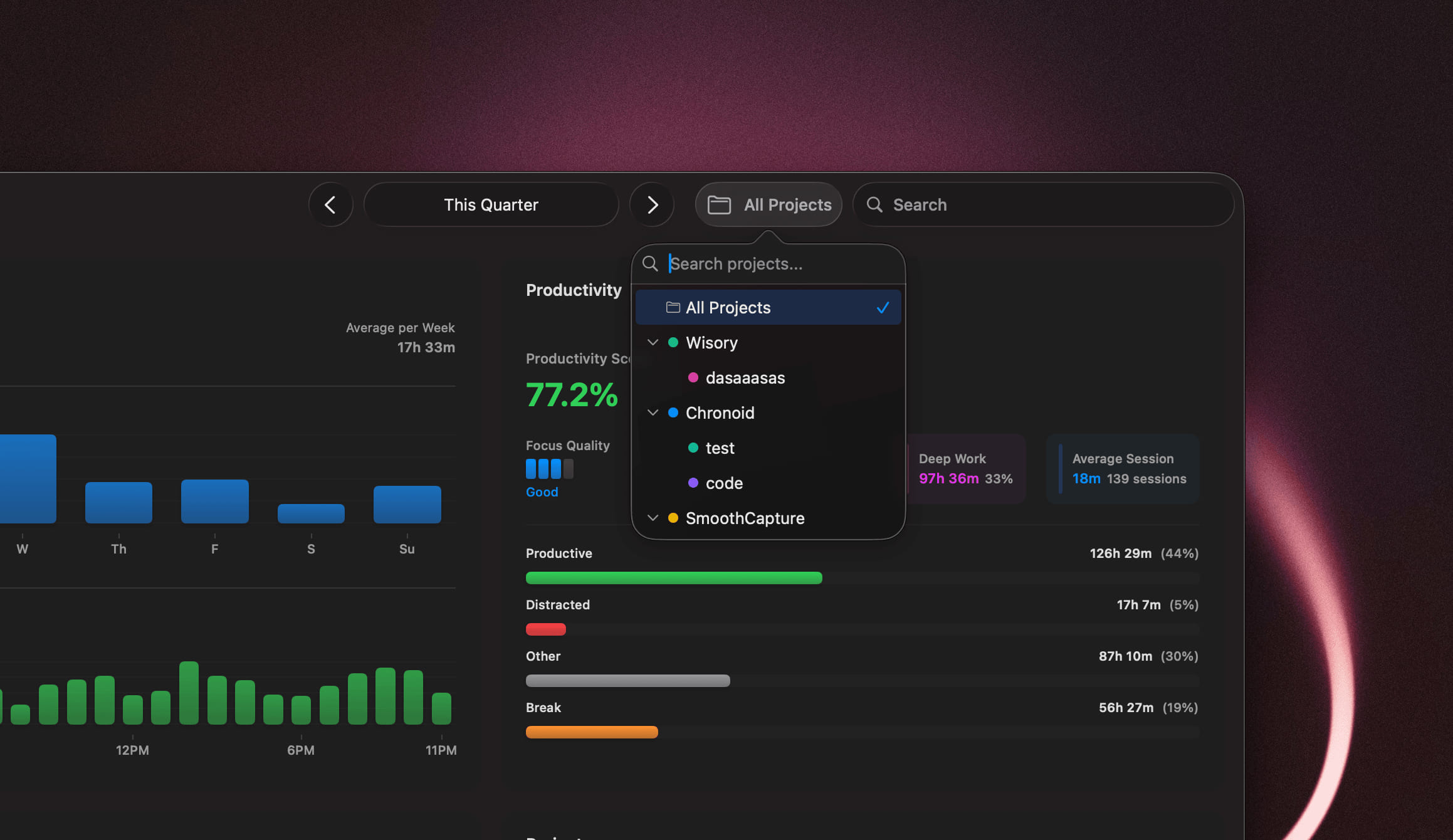
- Per-Project Currency - Choose a currency for each project so billing totals, invoices, and reports display amounts in the right currency everywhere.

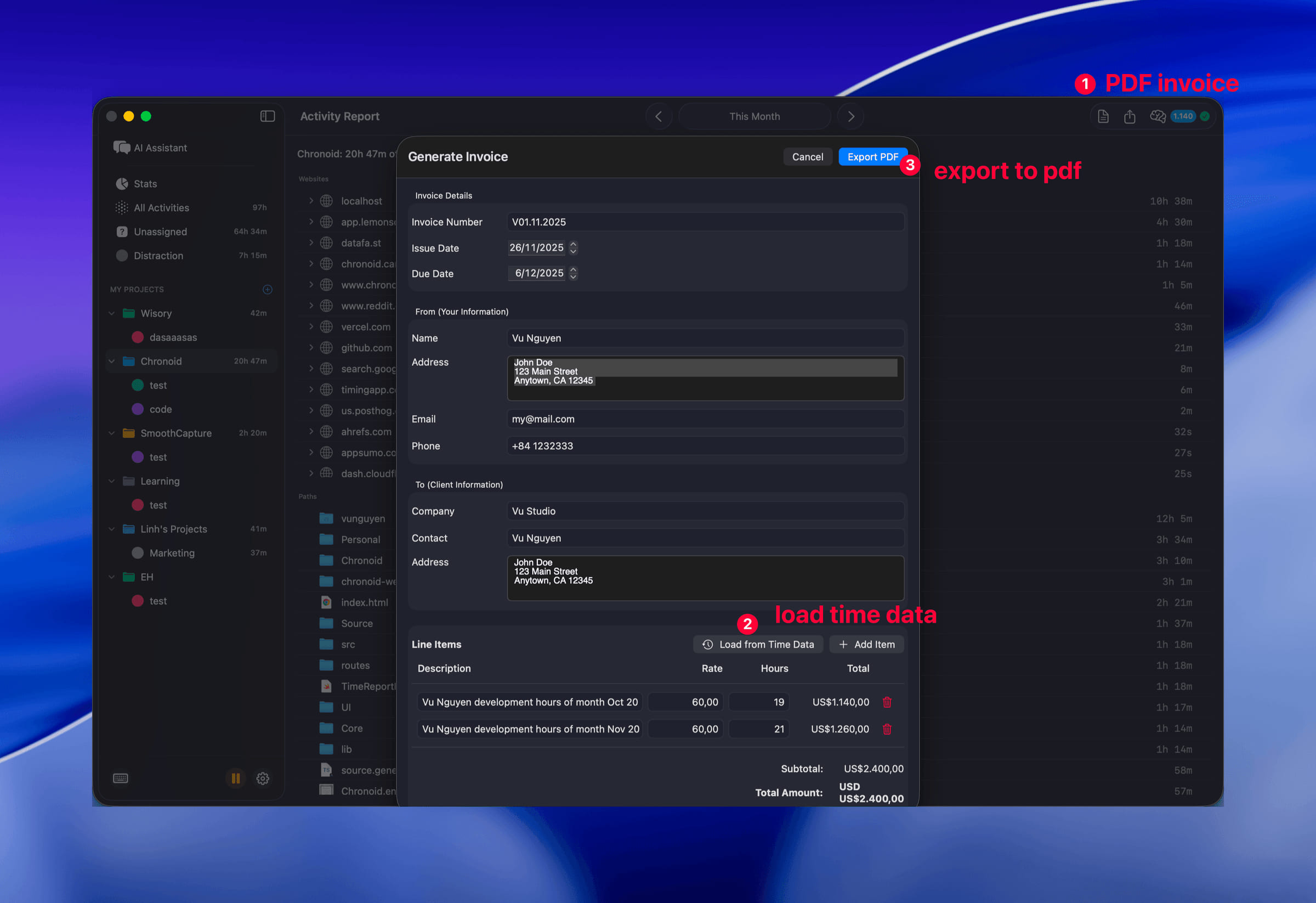
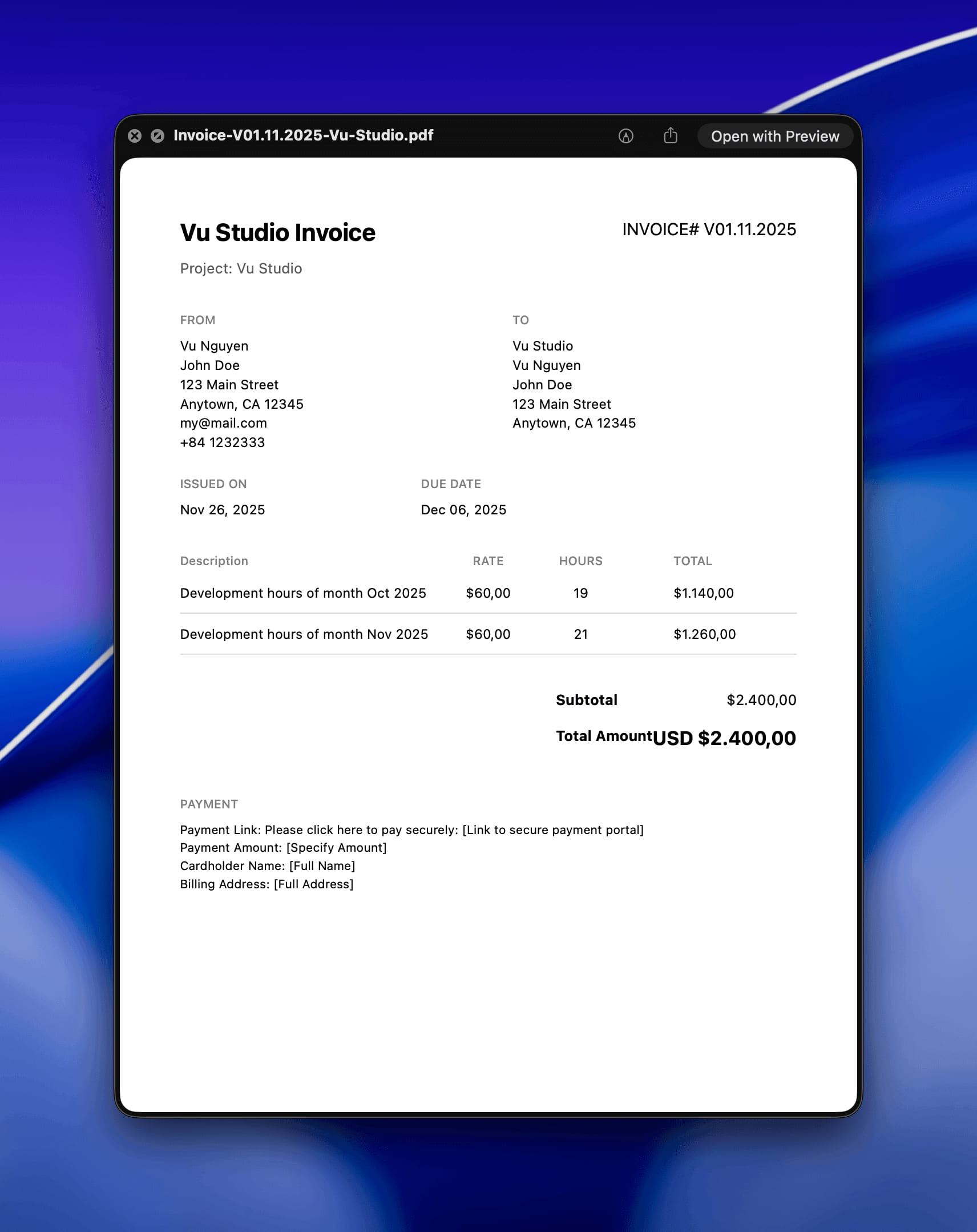
- Create Invoice from Billing Tab - Create an invoice straight from the Billing tab with your current date range and project already filled in.
- Ready-Made Assistant Workflows - The chat assistant now includes one-click workflows for daily review, standup notes, weekly review, invoice prep, and time data cleanup, also available through the MCP server.
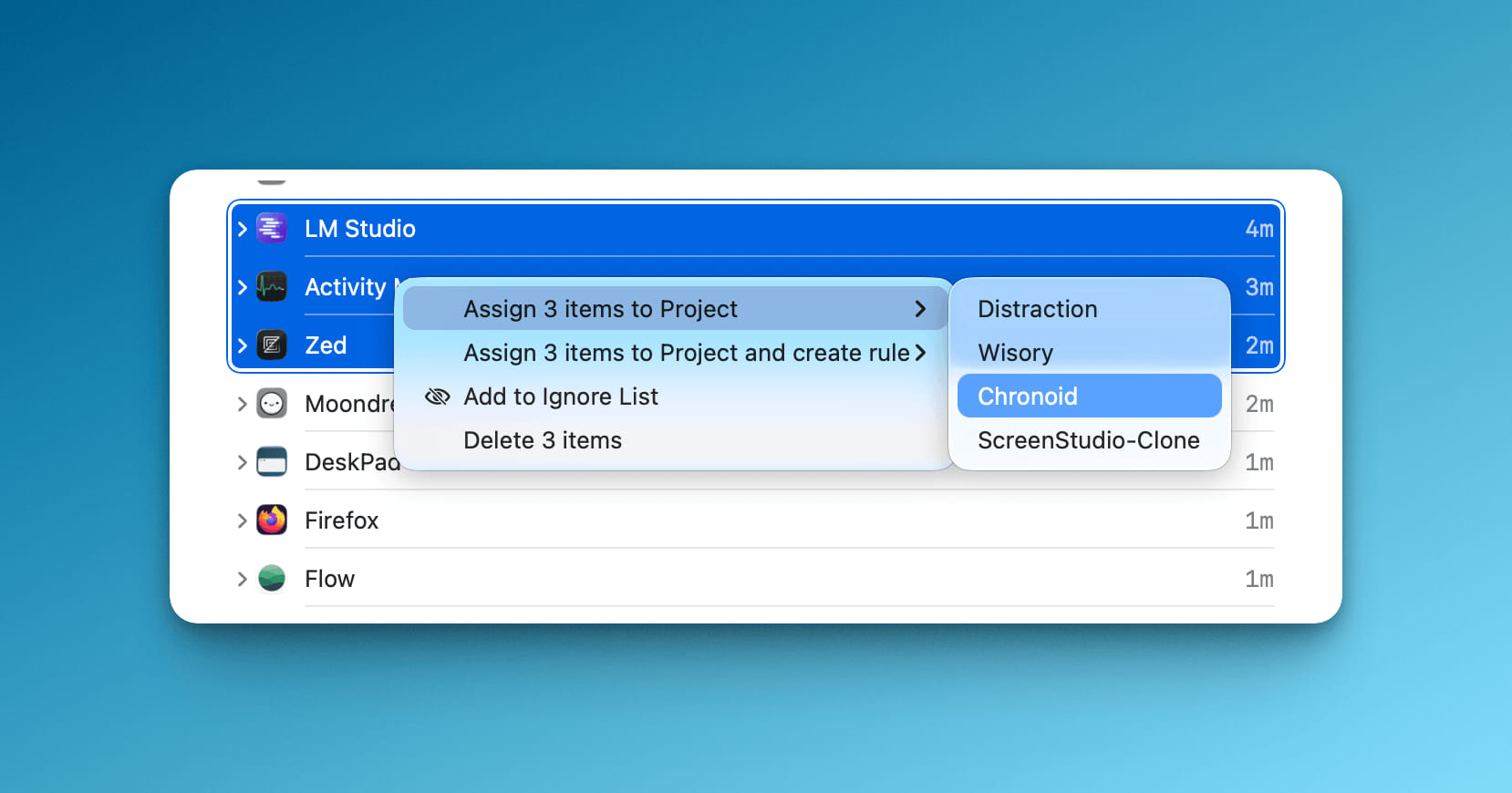
- Reapply Project Rules - Re-run all rules for a project from the sidebar or main report to quickly clean up existing activity assignments.
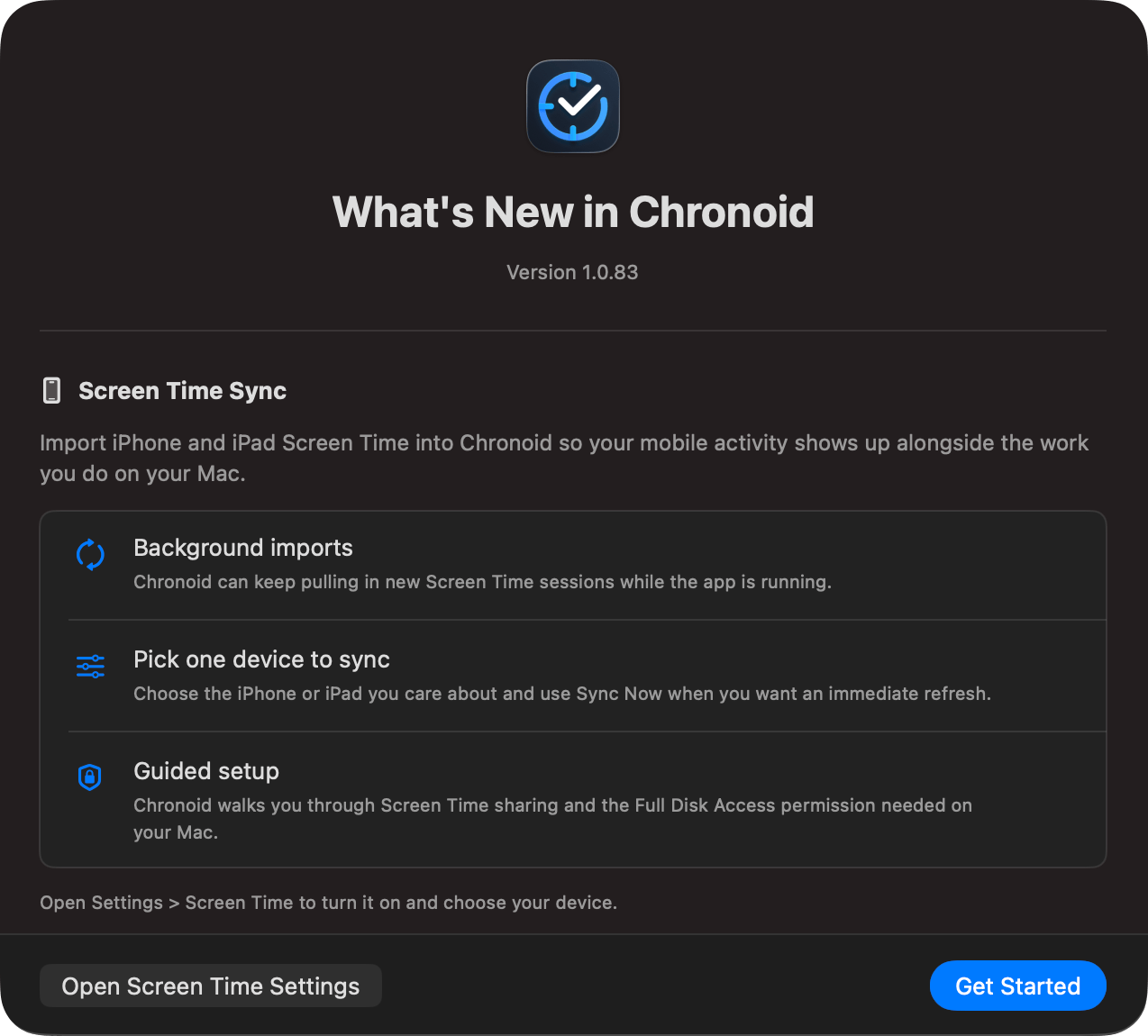
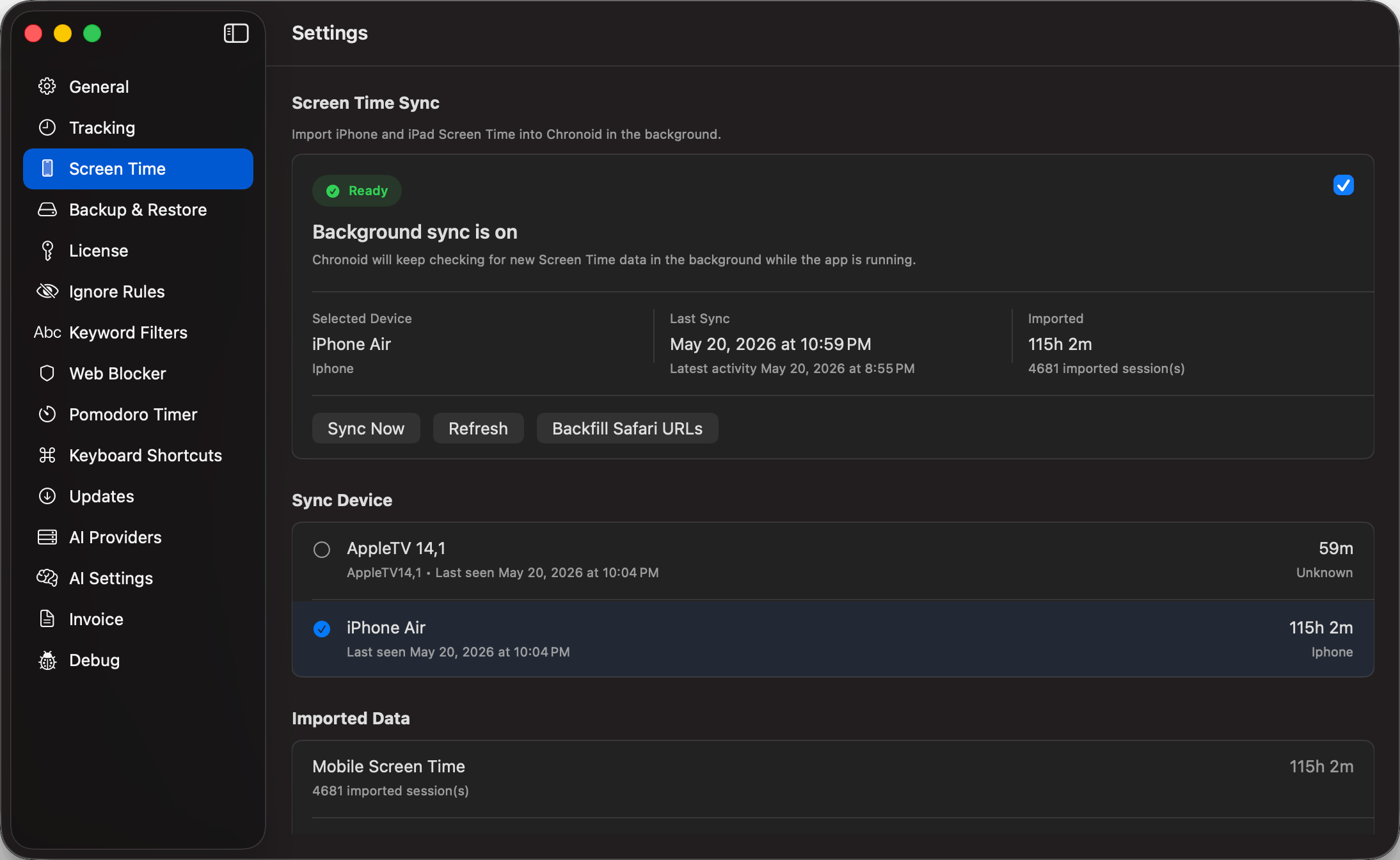
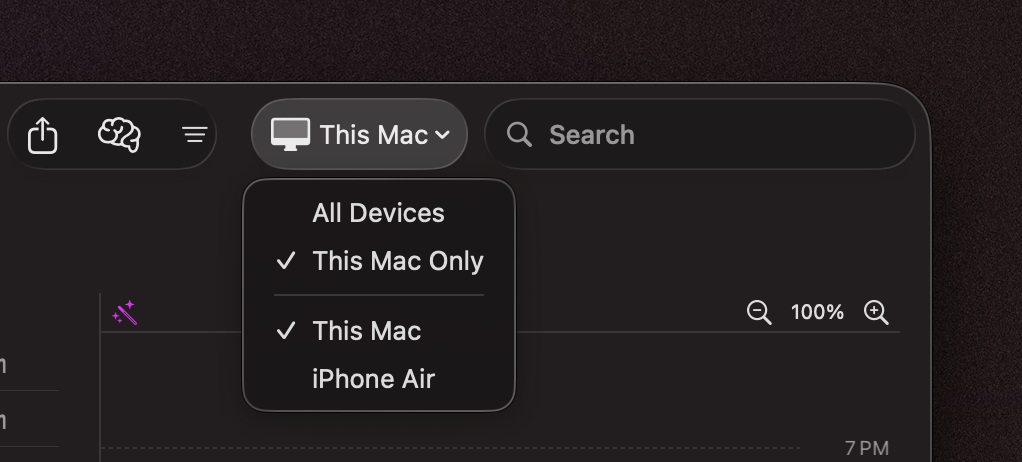
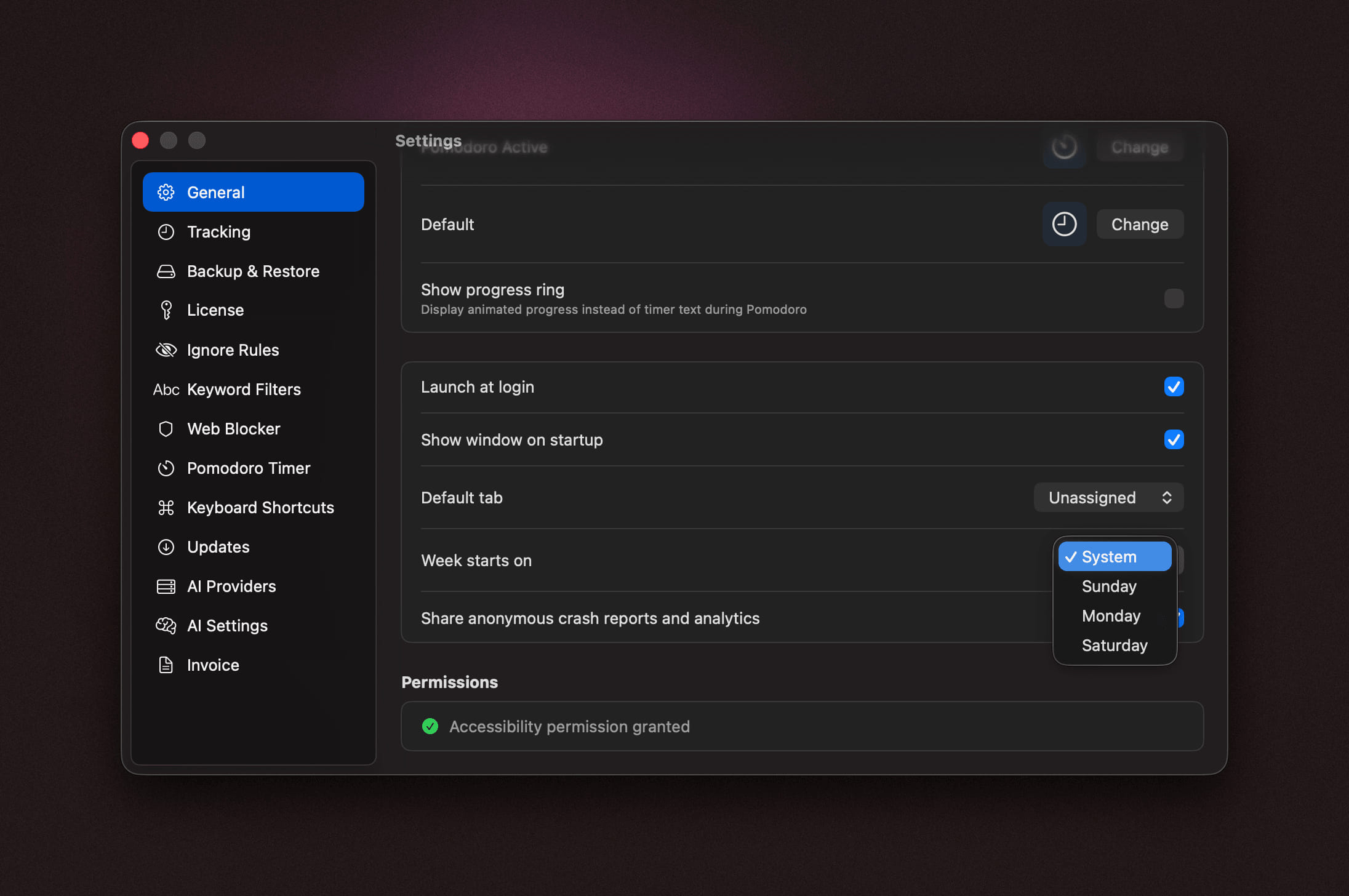
- Screen Time Device Management - Rename or remove imported Screen Time devices and review all discovered devices from a cleaner settings pane.
Improvements
- More Accurate Manual Time Reporting - Manual time entries now overlay tracked activity at the application level, improving project totals, billing, exports, productivity scores, and assistant queries.
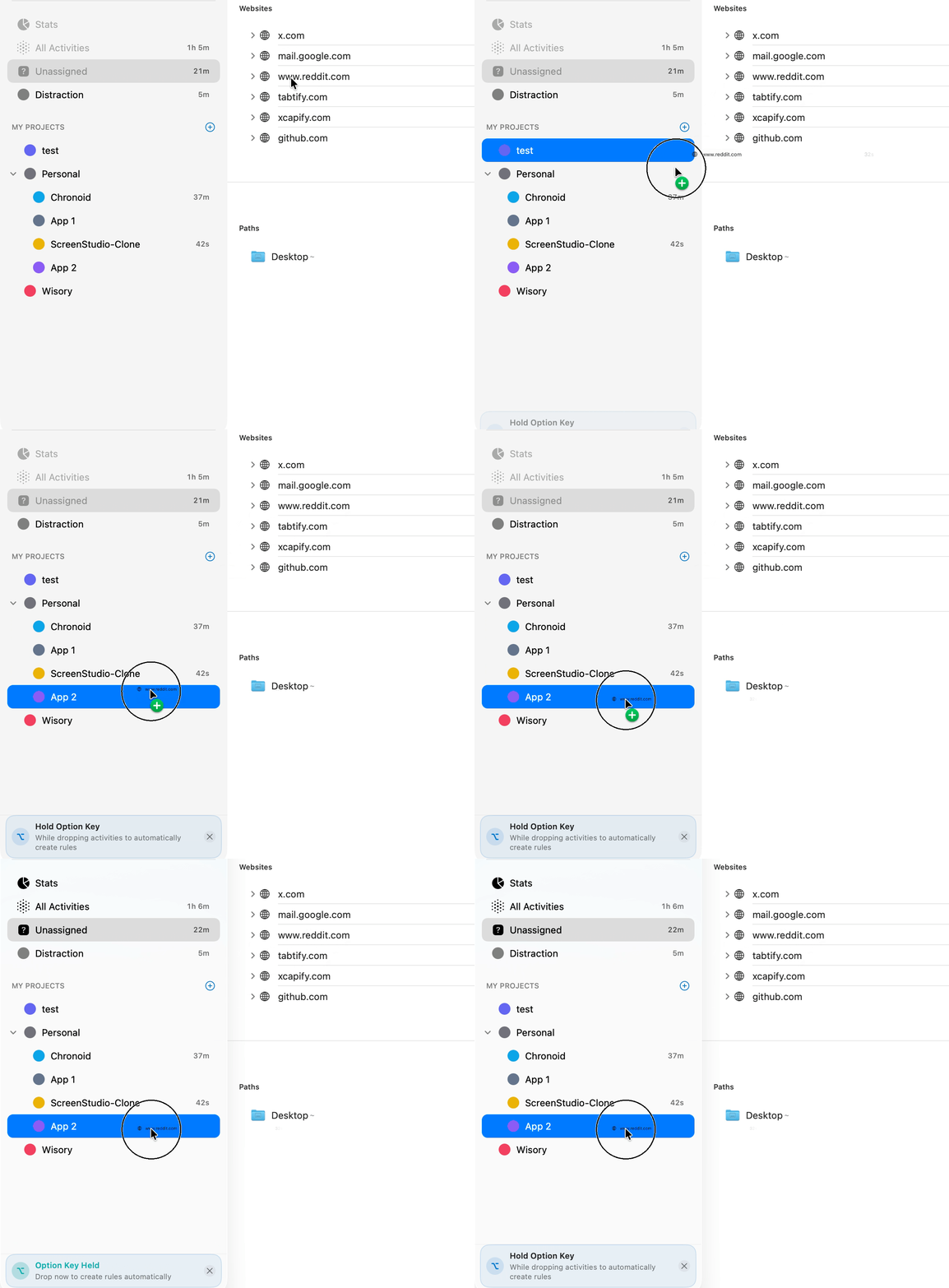
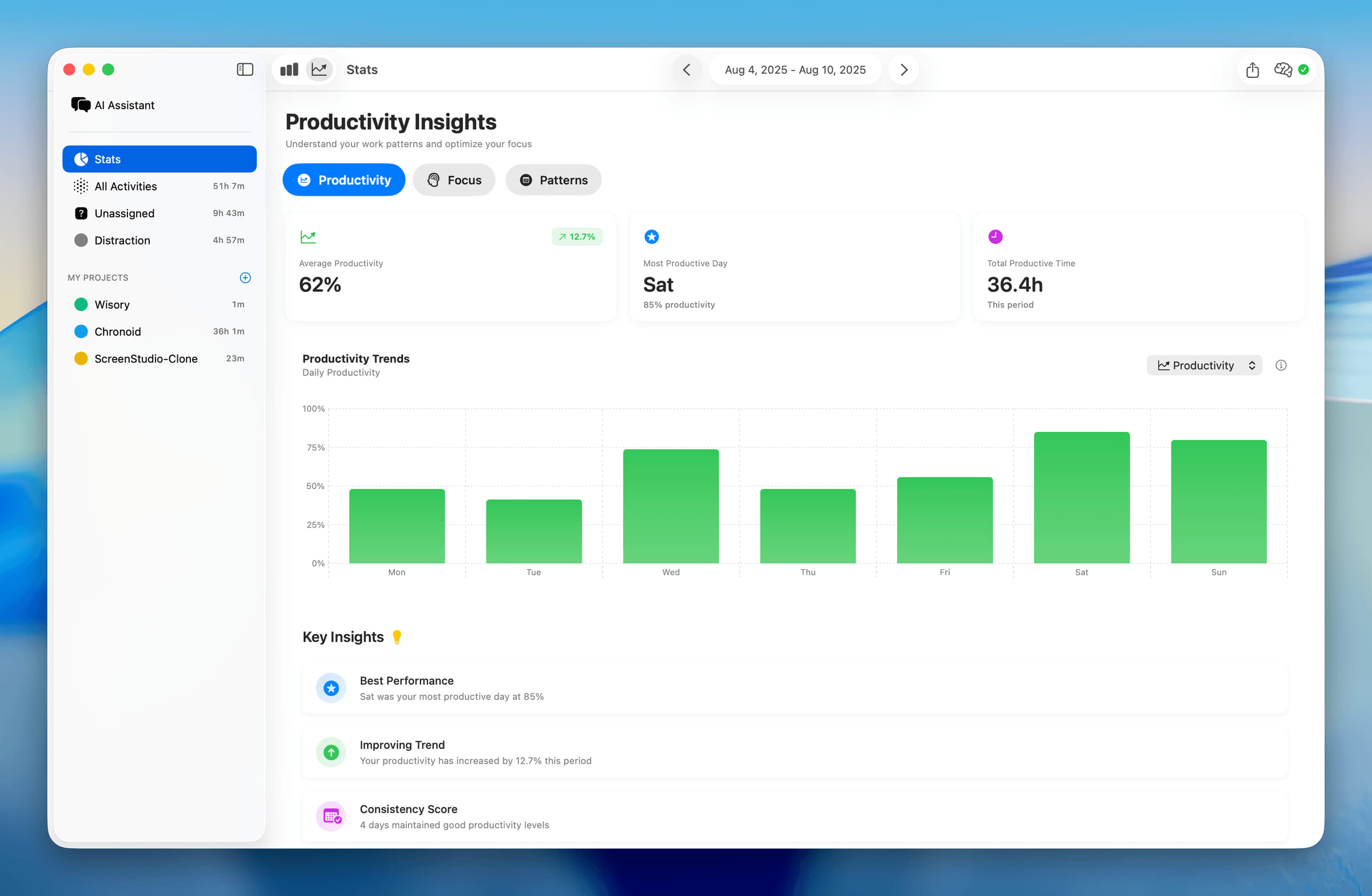
- Faster Report Calculations - Stats, project totals, and large report queries run more efficiently with improved effective timeline resolution.
- Better Claude Session Titles - Claude Desktop coding sessions now show the project and session title instead of a generic "Claude" window title.
- Clearer Purchase Info - The upgrade screen now shows the price, a Buy License menu item is available during the trial, and the trial-expired screen shows how much time you tracked so far.
- License Key Recovery - A new support link on the license screen helps you recover a lost license key.
- Better Onboarding Permission Recovery - Onboarding handles permission setup and recovery more clearly when macOS permissions need attention.
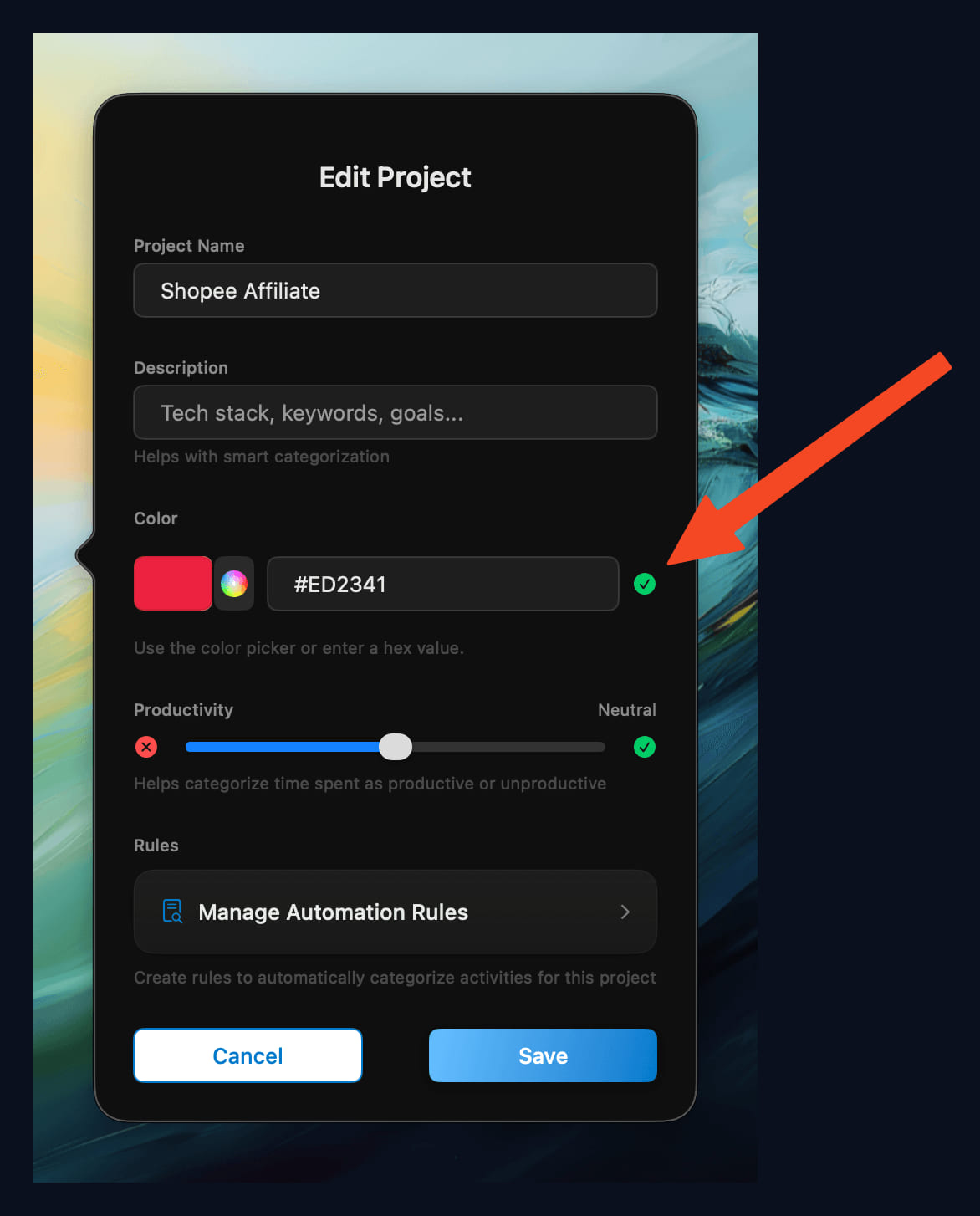
- Smarter Project and Rule Defaults - New projects default to productive, and distraction rules now stay lower priority so intentional project rules win.
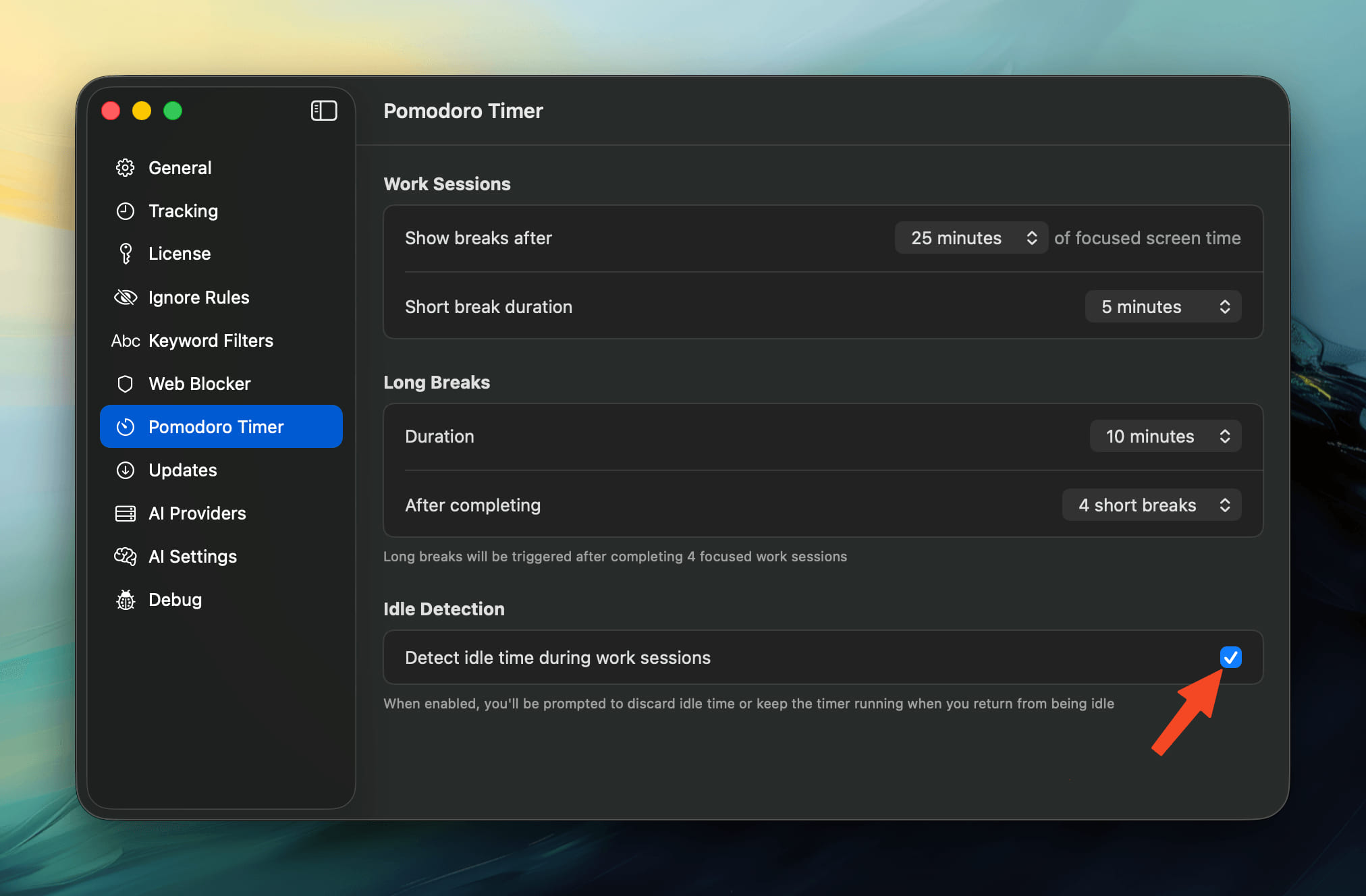
- Smoother Break Reminder - The floating break reminder now follows your cursor with smooth, natural motion.
- Improved Onboarding - The onboarding and upgrade prompts are clearer and easier to follow.
Bug Fixes
- Fixed Browsers Reopening After Quit - Quitting Chrome or other browsers while tracking is active no longer causes them to relaunch.
- Fixed Chat Answers - Chat replies no longer leak the model's internal reasoning, jump around while streaming, or get cut off before the answer finishes.
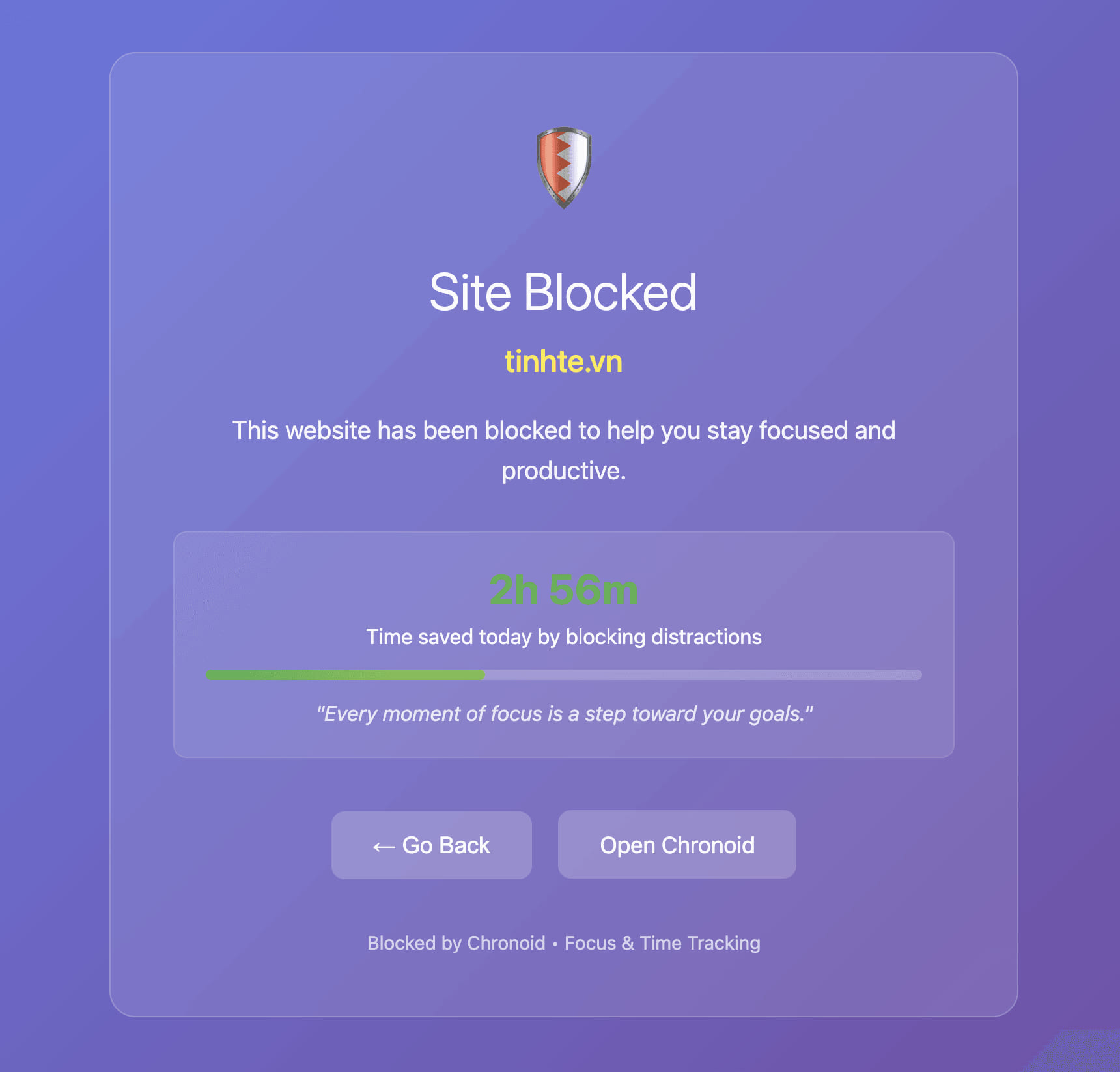
- Fixed Break Smart Pause - Smart pause during Pomodoro breaks now detects calls and media playback more reliably and clearly shows when a break is paused.
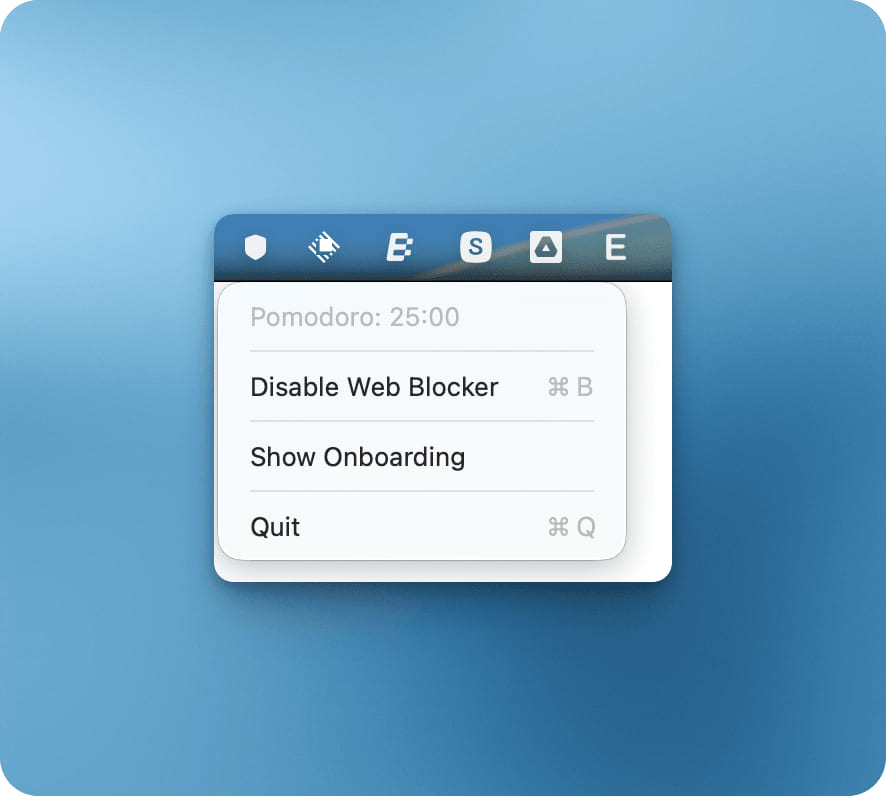
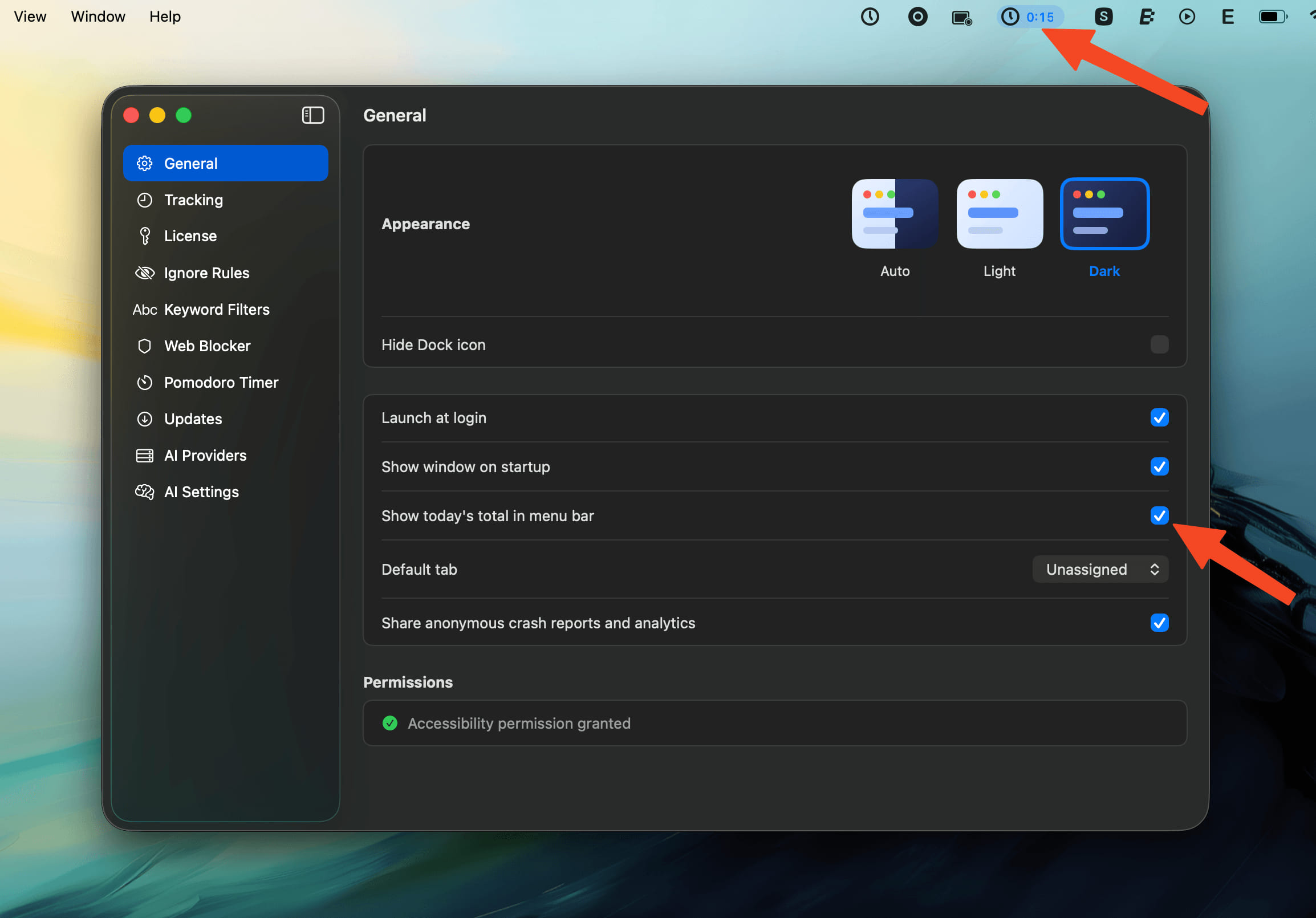
- Fixed Status Bar and Sidebar Totals - Menu bar totals refresh correctly when filters change, include manual time more accurately, and keep the All Activities total in sync.
- Fixed Screen Time Sync Reliability - Screen Time imports resolve device names more reliably, show all discovered devices, and recover from sync issues more cleanly.
- Fixed Productivity Score Limits - Productivity scores no longer exceed 100 percent.
- Fixed Timeline Dark Mode Rendering - Timeline layers now use the correct colors in dark mode.