new
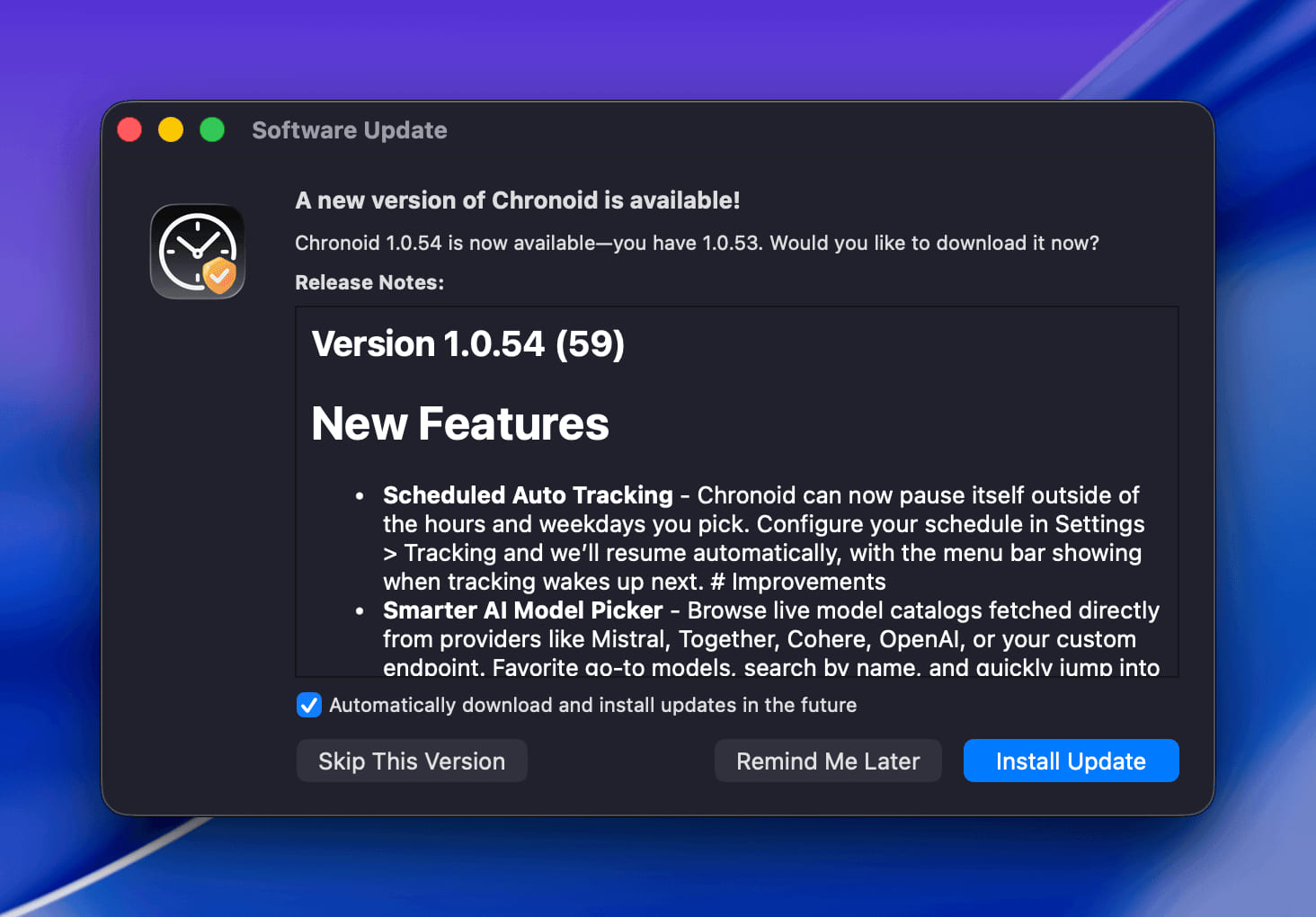
Version 1.0.104 (112)
New Features
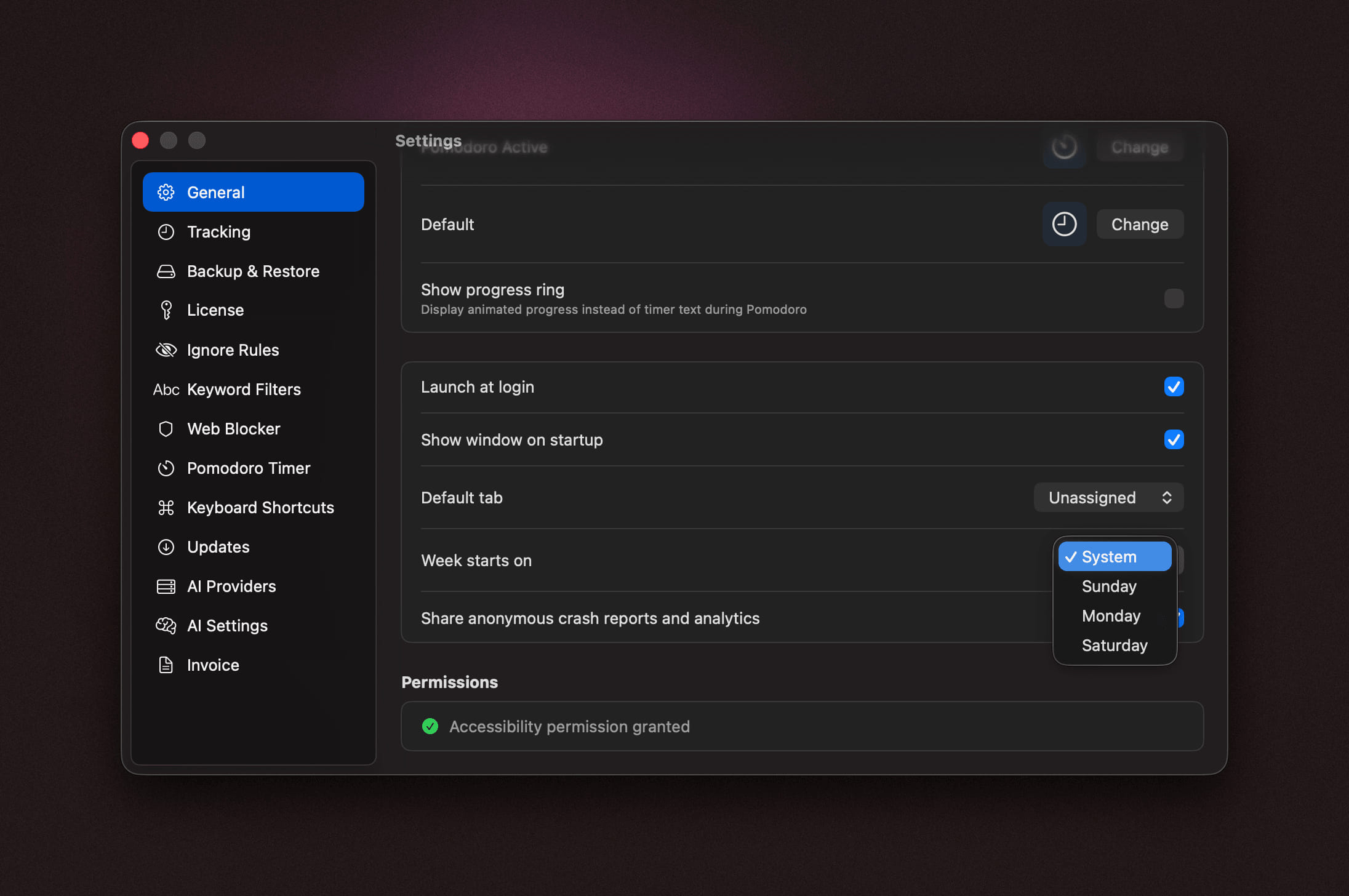
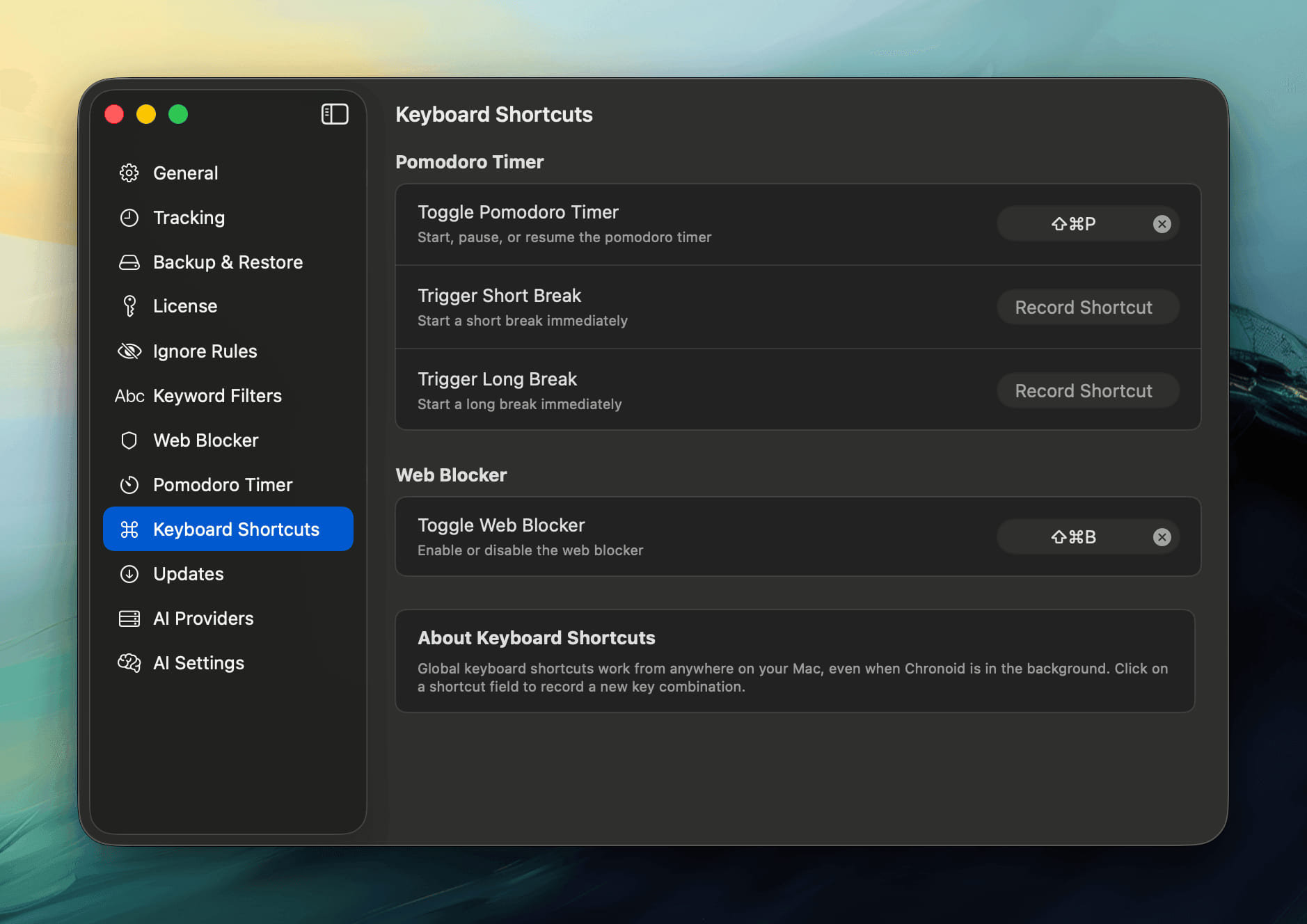
- Choose How Timers Start - A new "Start new timers in" setting decides the mode for timers you start from the menu bar, the keyboard shortcut or the main window: the last mode you used, Focus, or Stopwatch. Pomodoro users no longer have to switch modes every session.
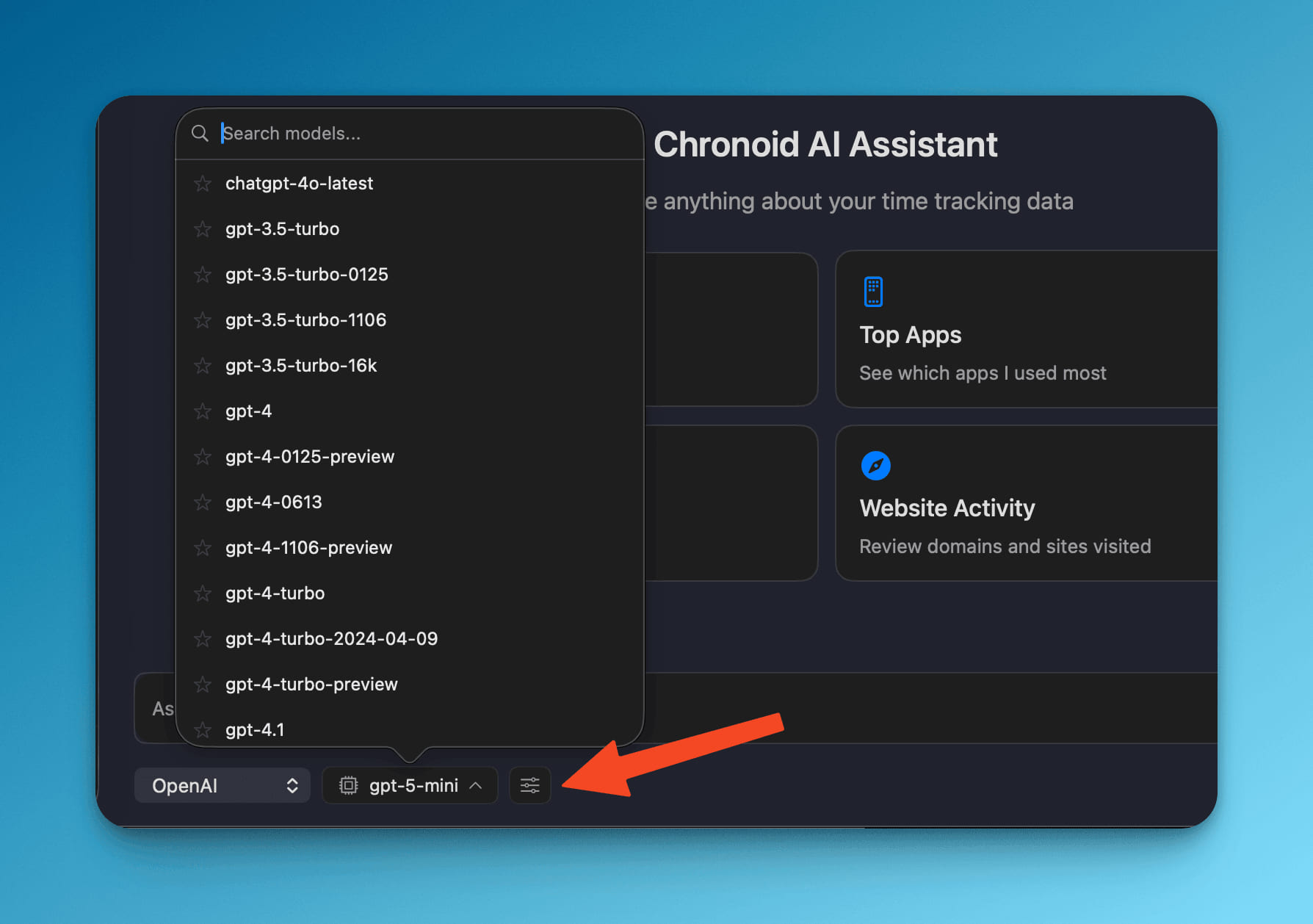
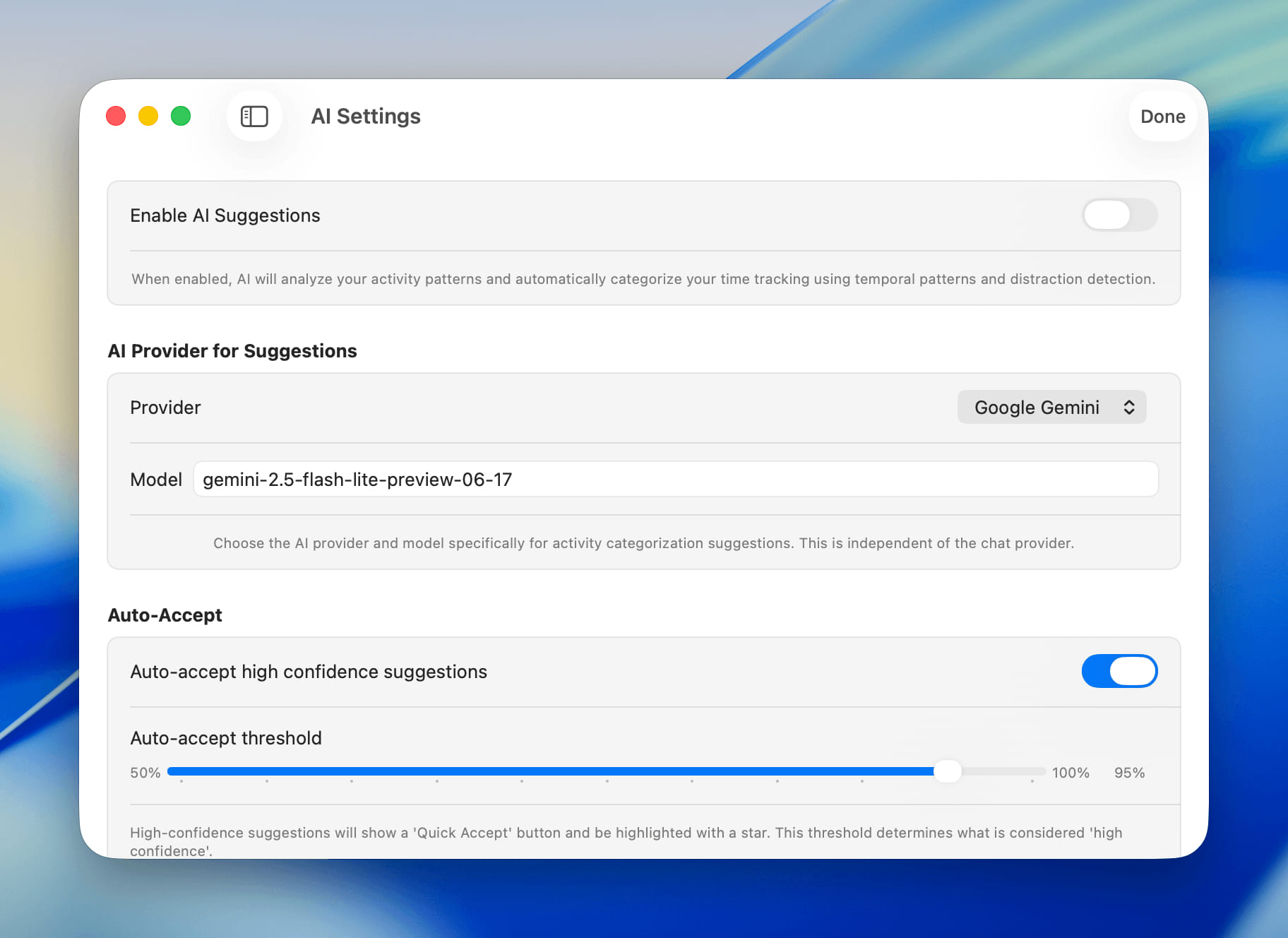
- Approve AI Changes First - Before the AI assistant changes your data, it now shows how many activities and how much time are affected and waits for you to approve or deny. Replies can offer buttons for the next step, and you can copy, regenerate or edit a reply, retry after an error, or let the assistant continue a long task. Your conversation is still there after you quit and reopen Chronoid.
Improvements
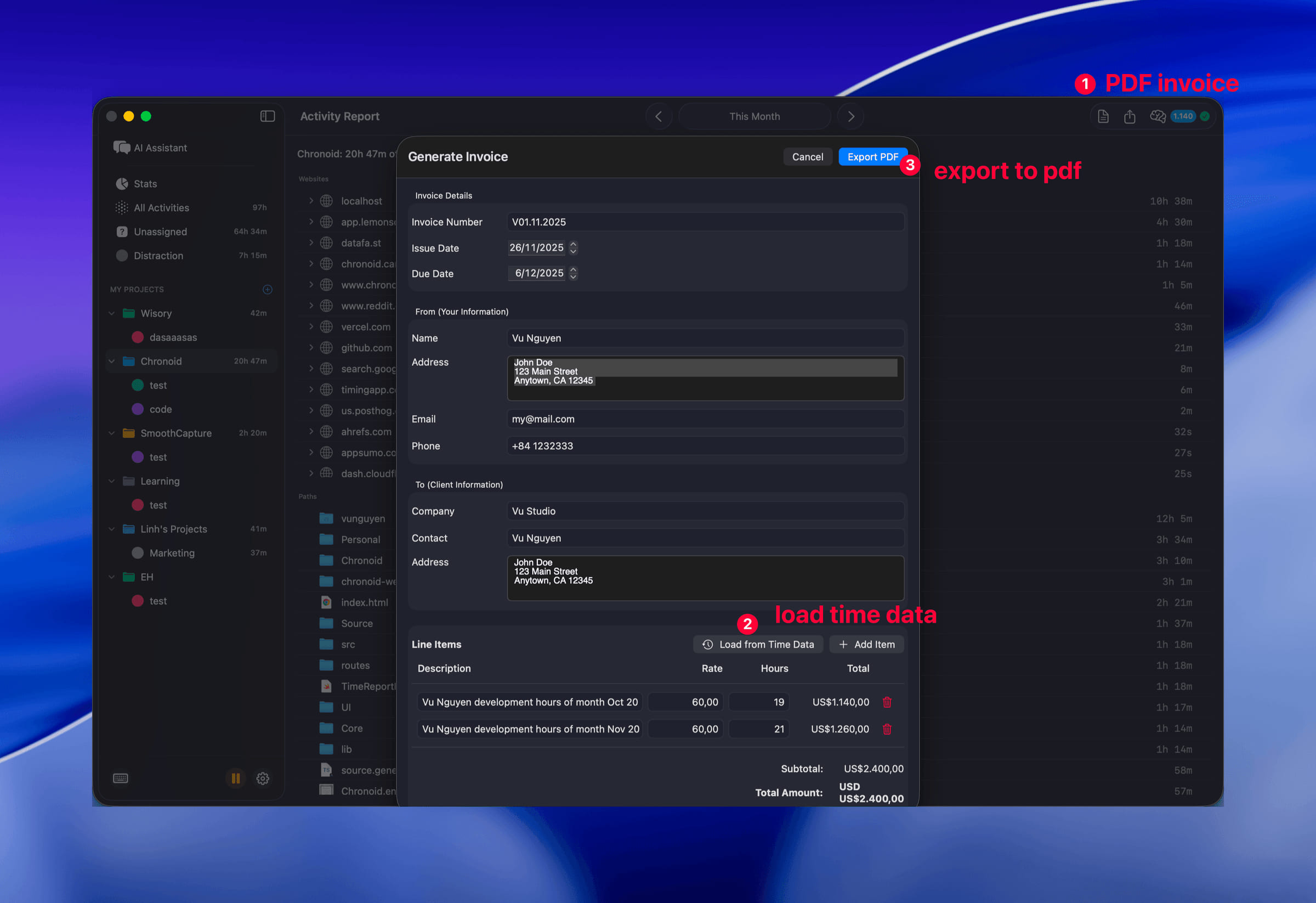
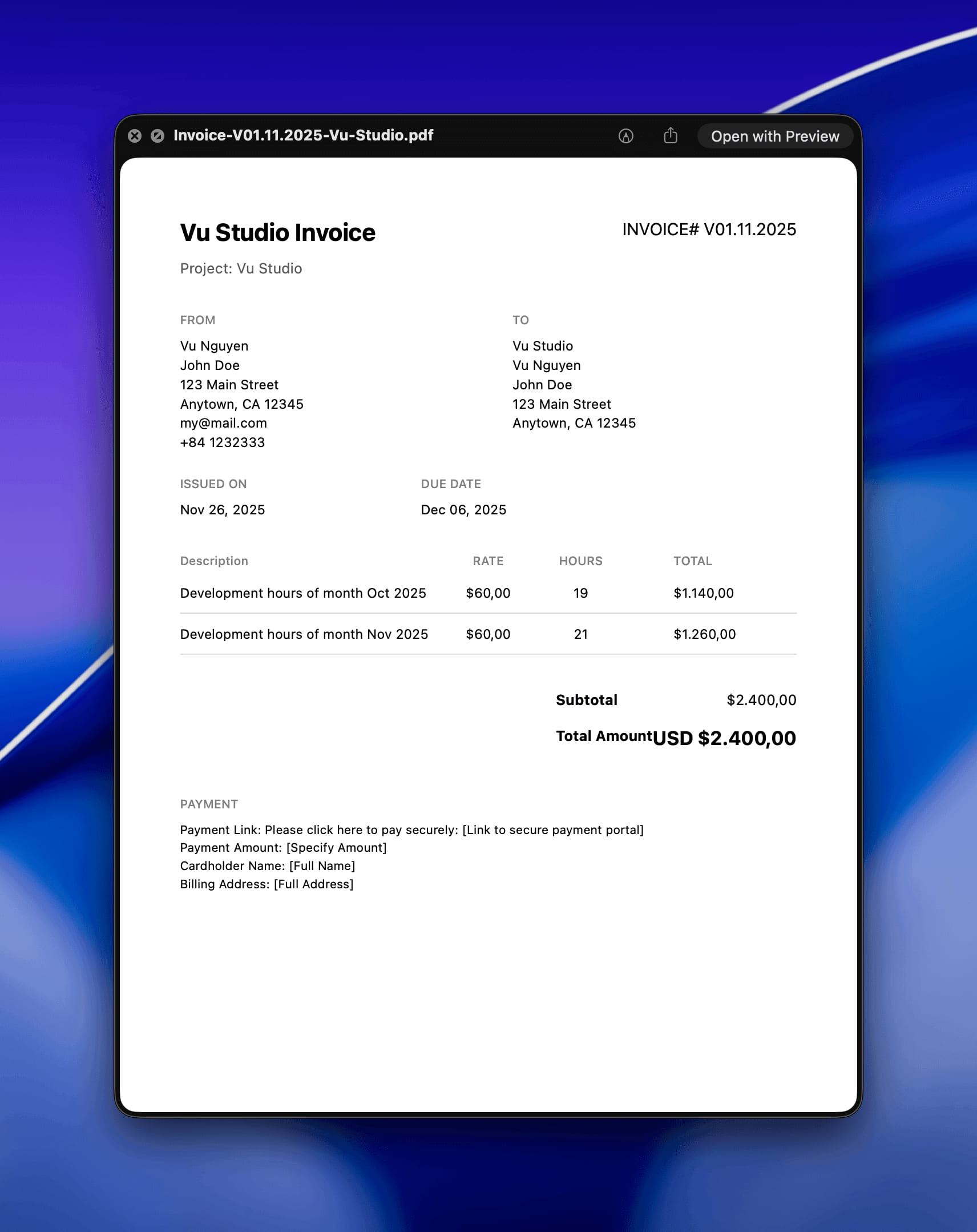
- Easier AI Workflows - Standup, weekly review and invoice prep show as a short title with their dates instead of a long prompt. Invoice prep asks for the project and period first, the weekly review covers exactly seven days, and Monday standups no longer call Friday "yesterday".
- Clearer AI Replies - Replies appear more smoothly, text no longer runs together around the steps the assistant takes, and each finished change shows a one-line summary of what was done.
- Lighter AI Requests - The assistant sends much shorter requests and no longer contacts your AI provider every time you open the chat, so conversations use fewer tokens.
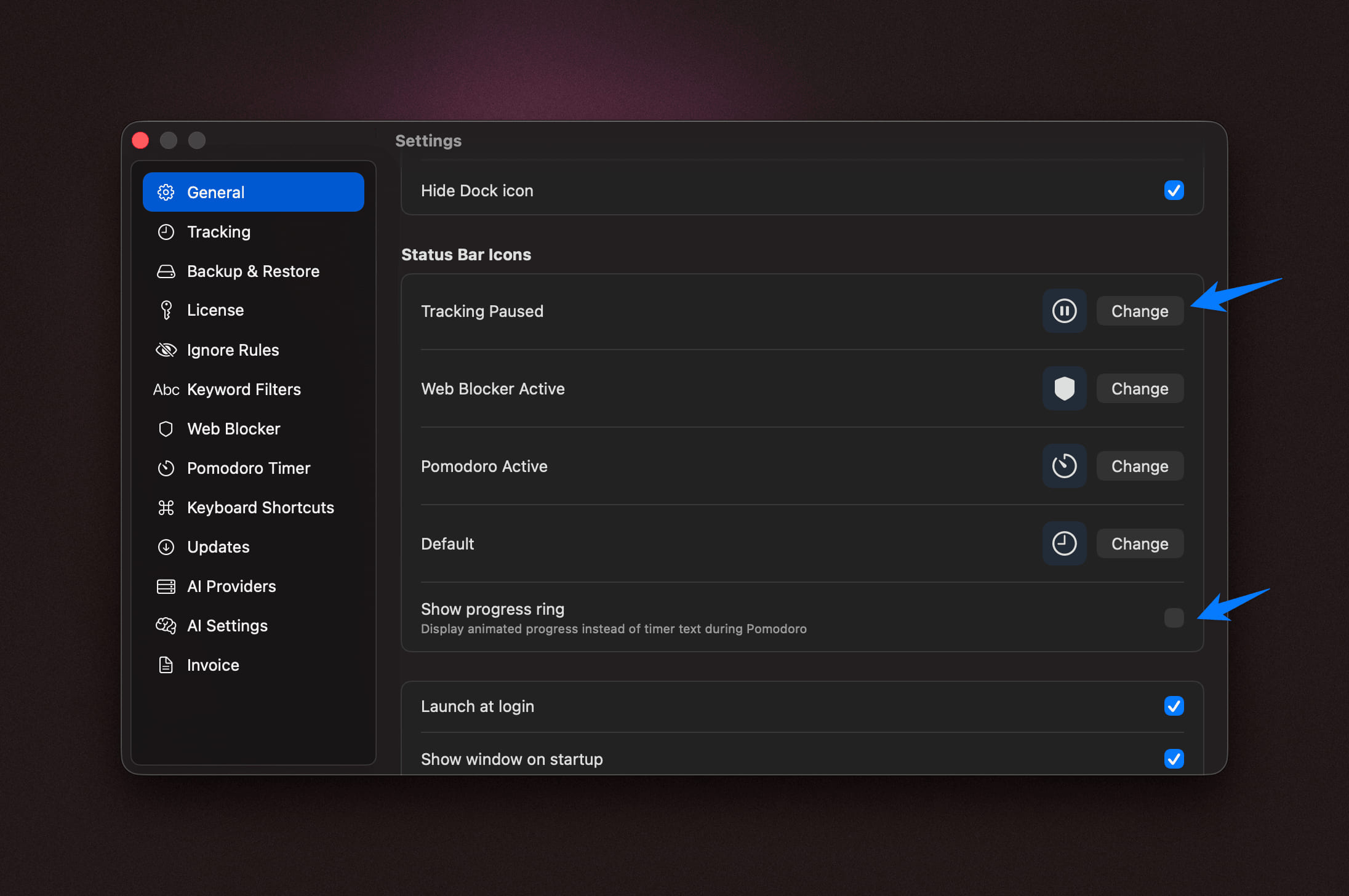
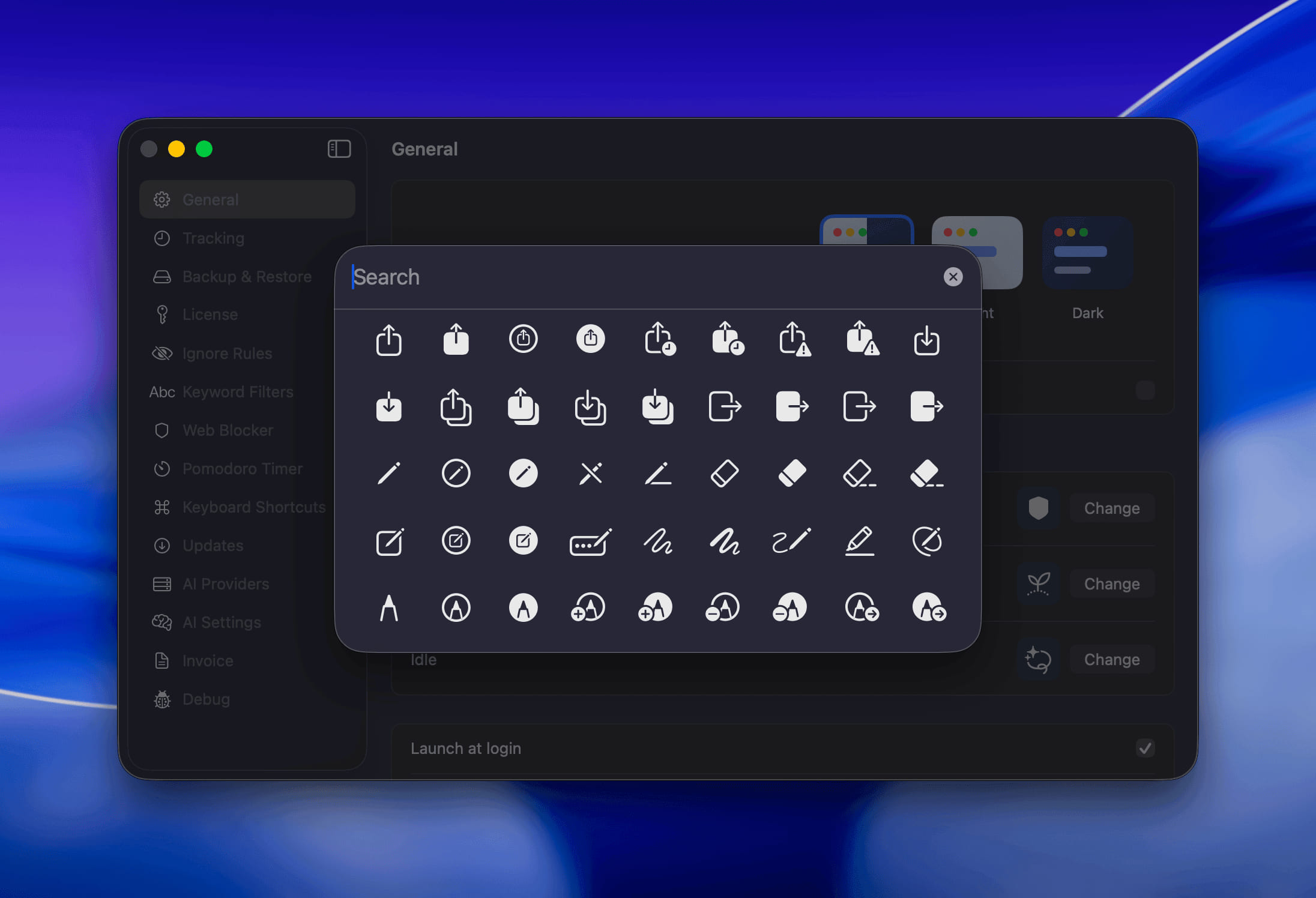
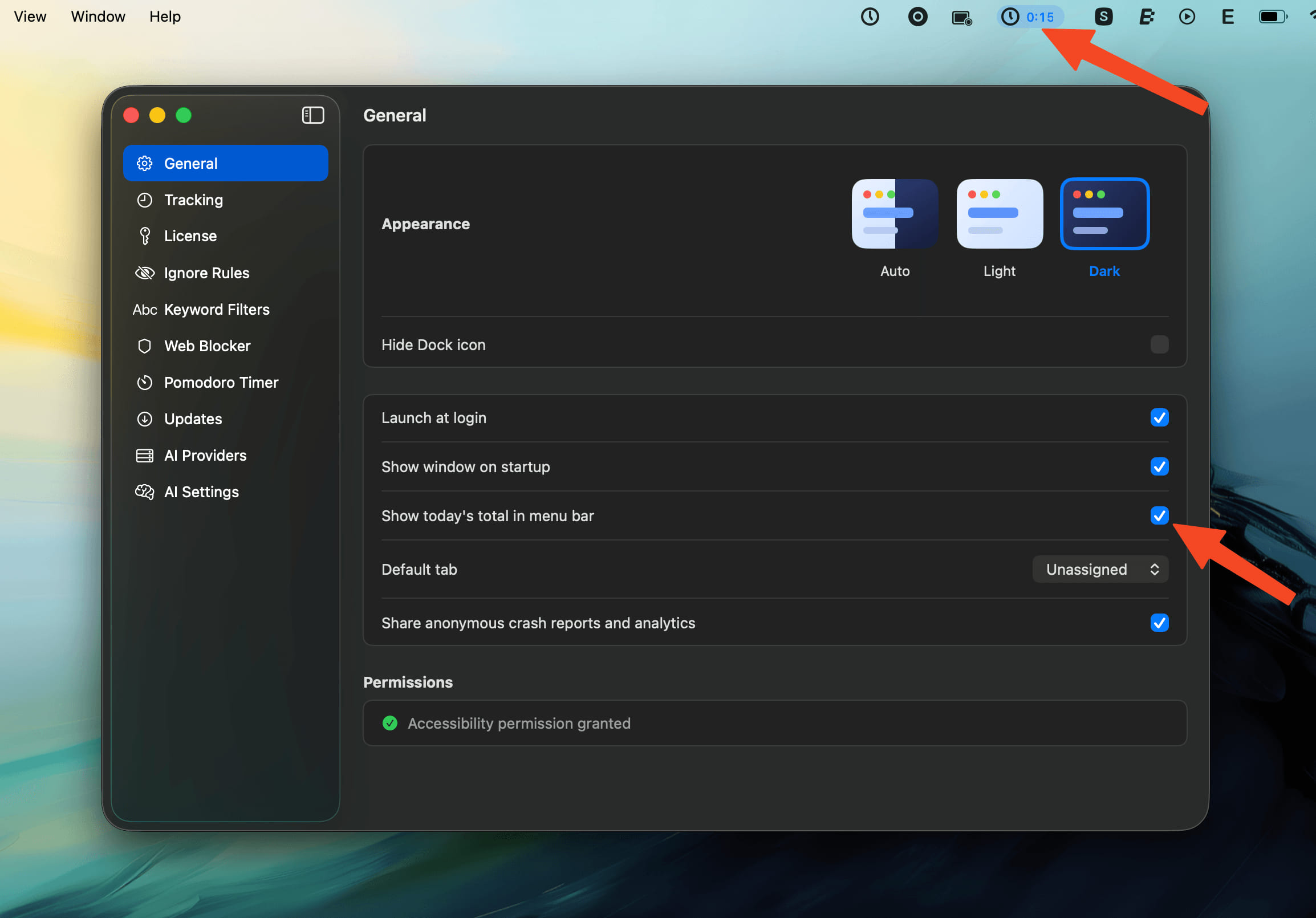
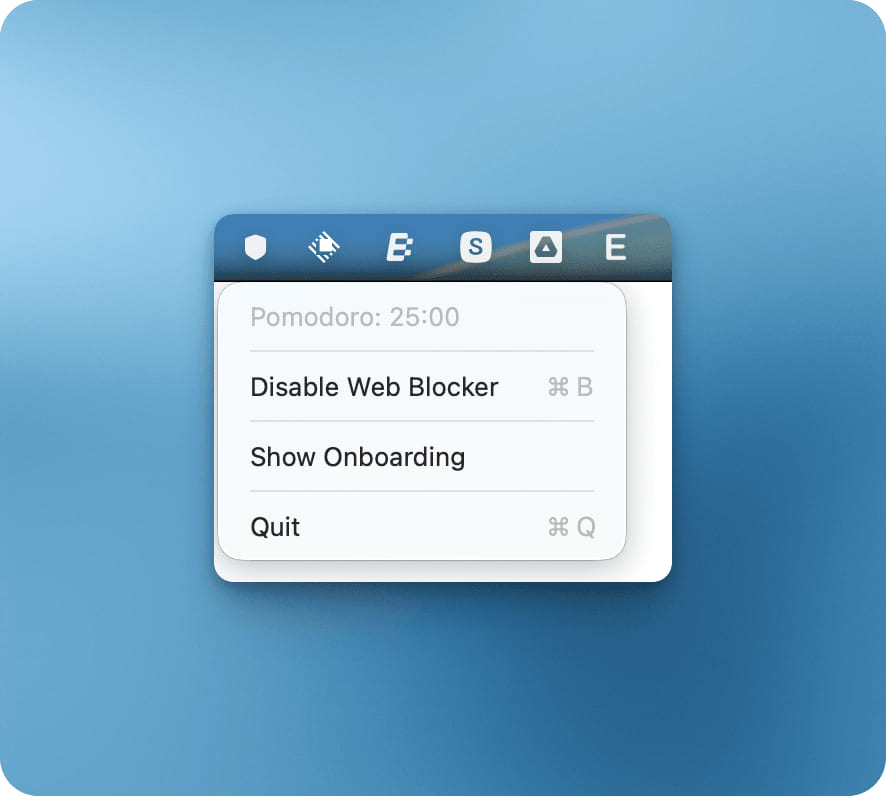
- Timer Icons in the Menu Bar - A running timer keeps its own icon: Pomodoro shows your chosen Pomodoro icon, Stopwatch gets its own icon with a compact elapsed time, and a paused timer dims its time.
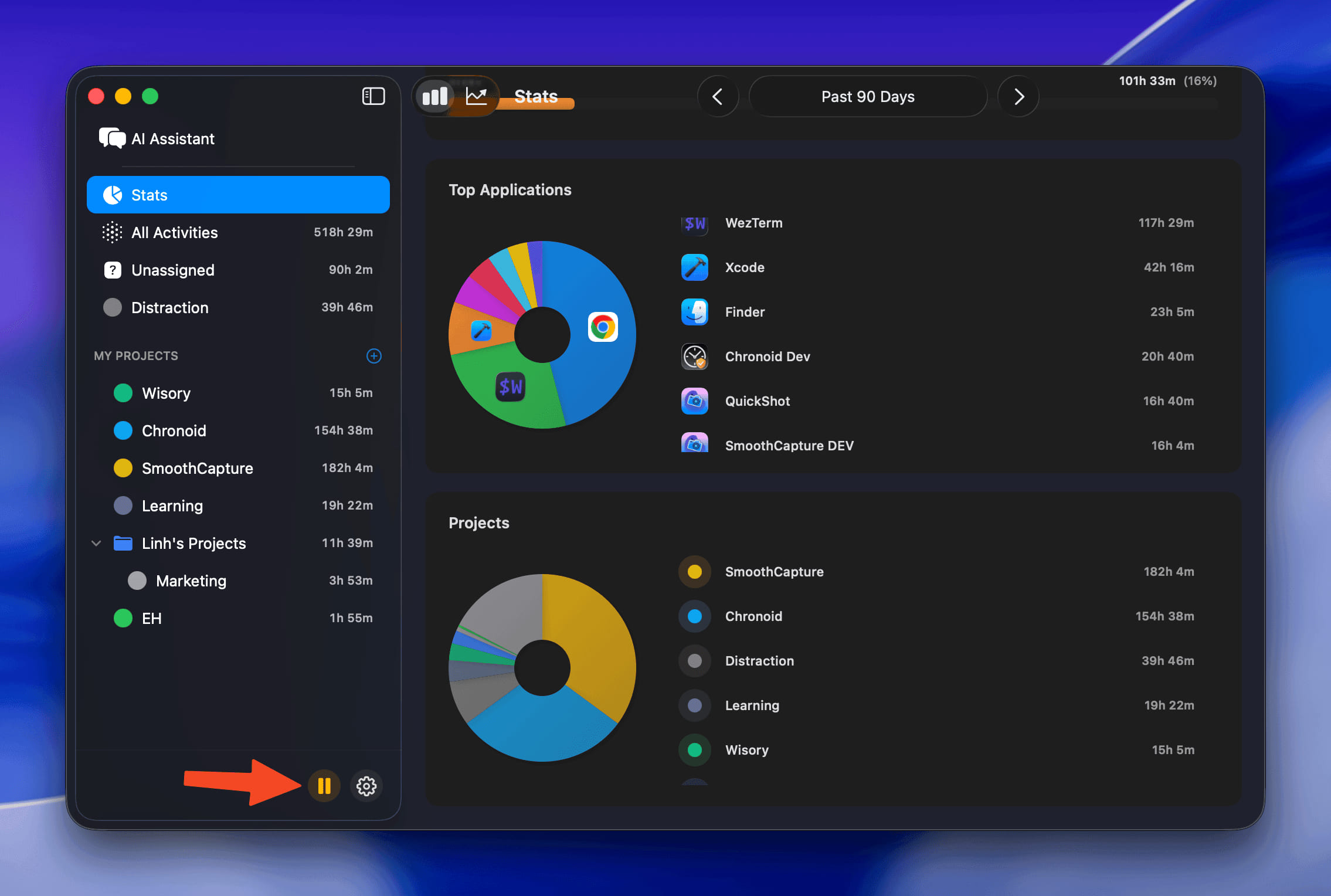
- Redesigned Today Page - The daily recap page shows the date and recap status at the top, explains how to turn on daily recaps when there is nothing to show yet, and lets you retry when a recap fails.
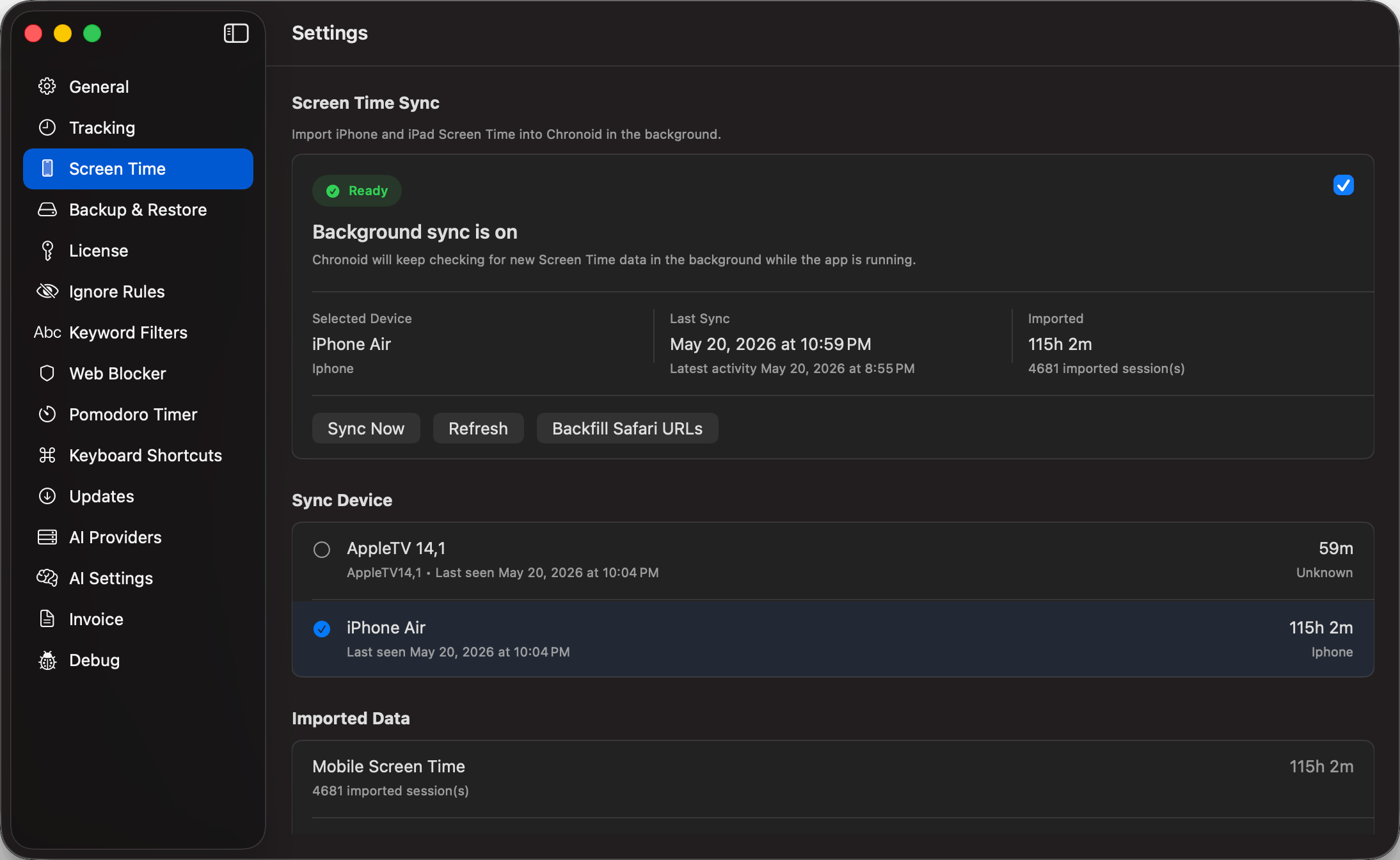
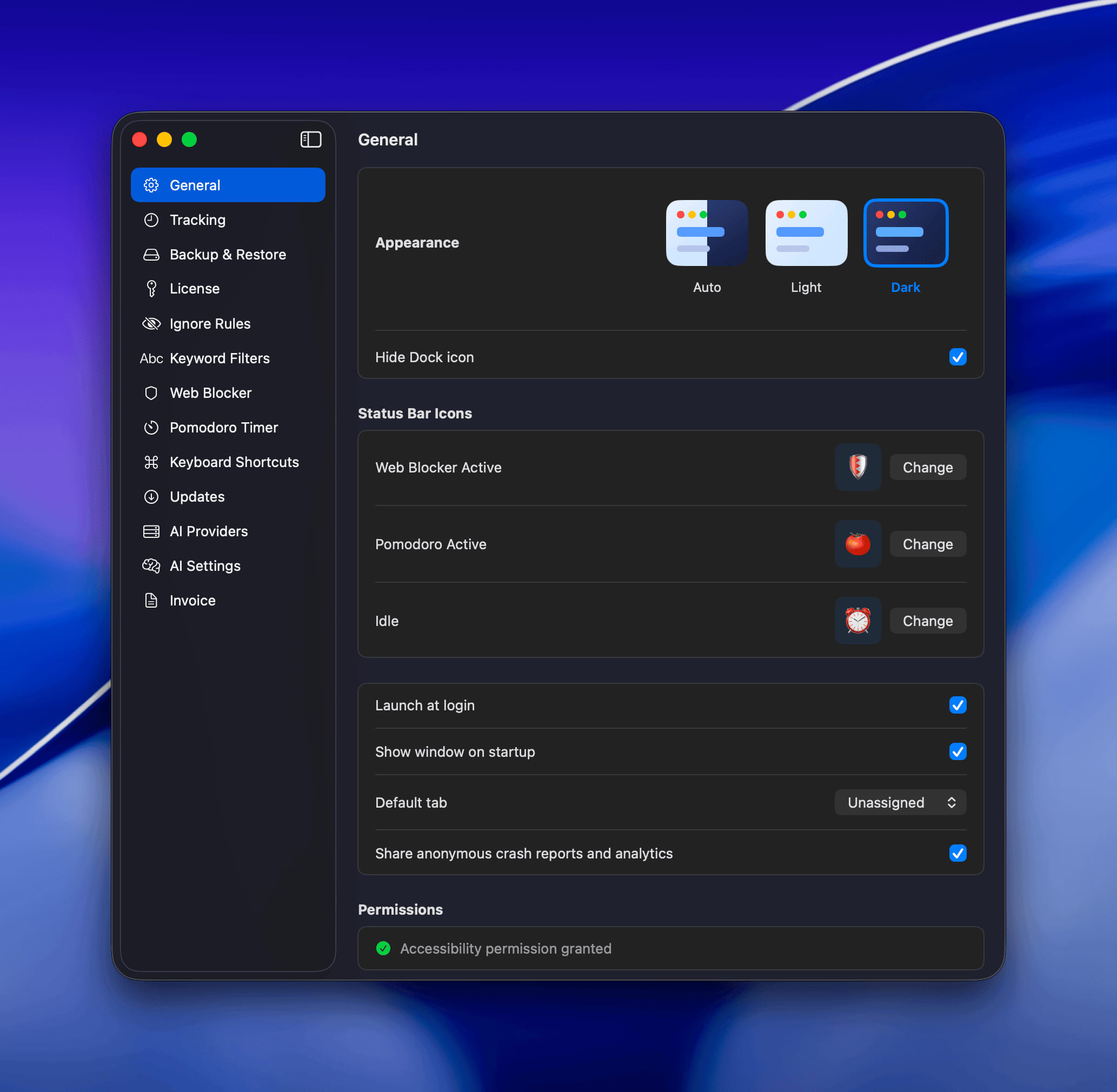
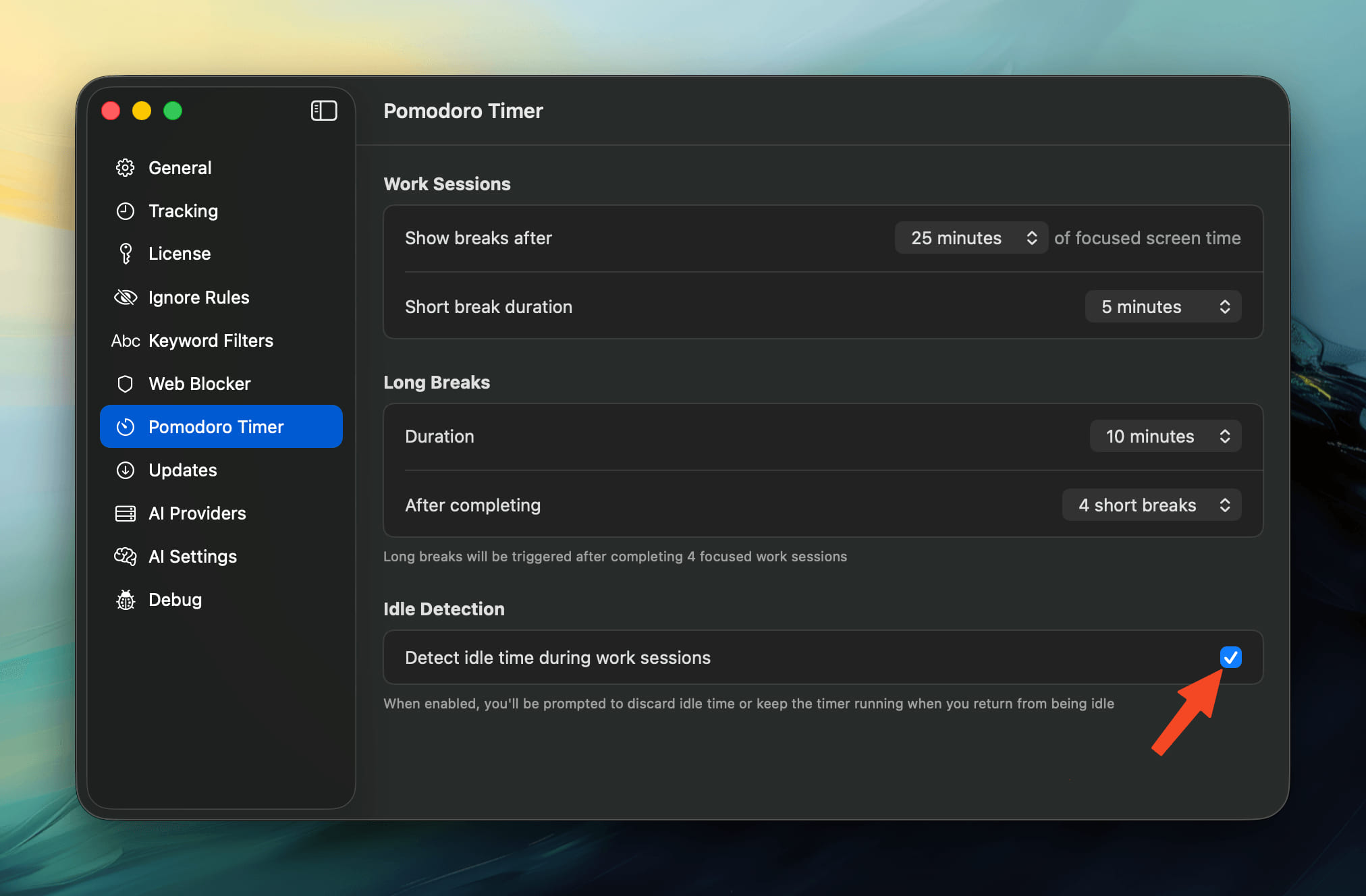
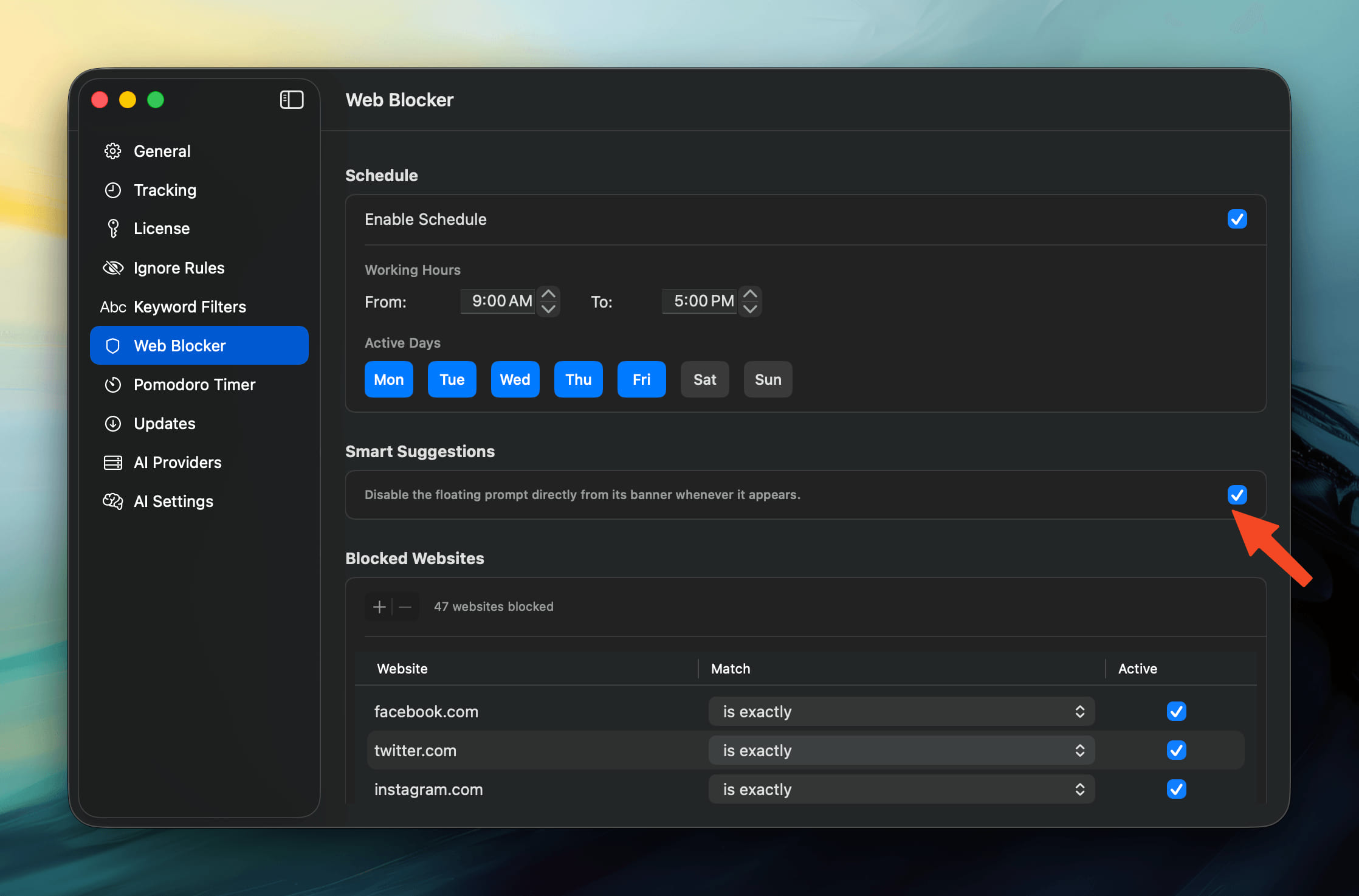
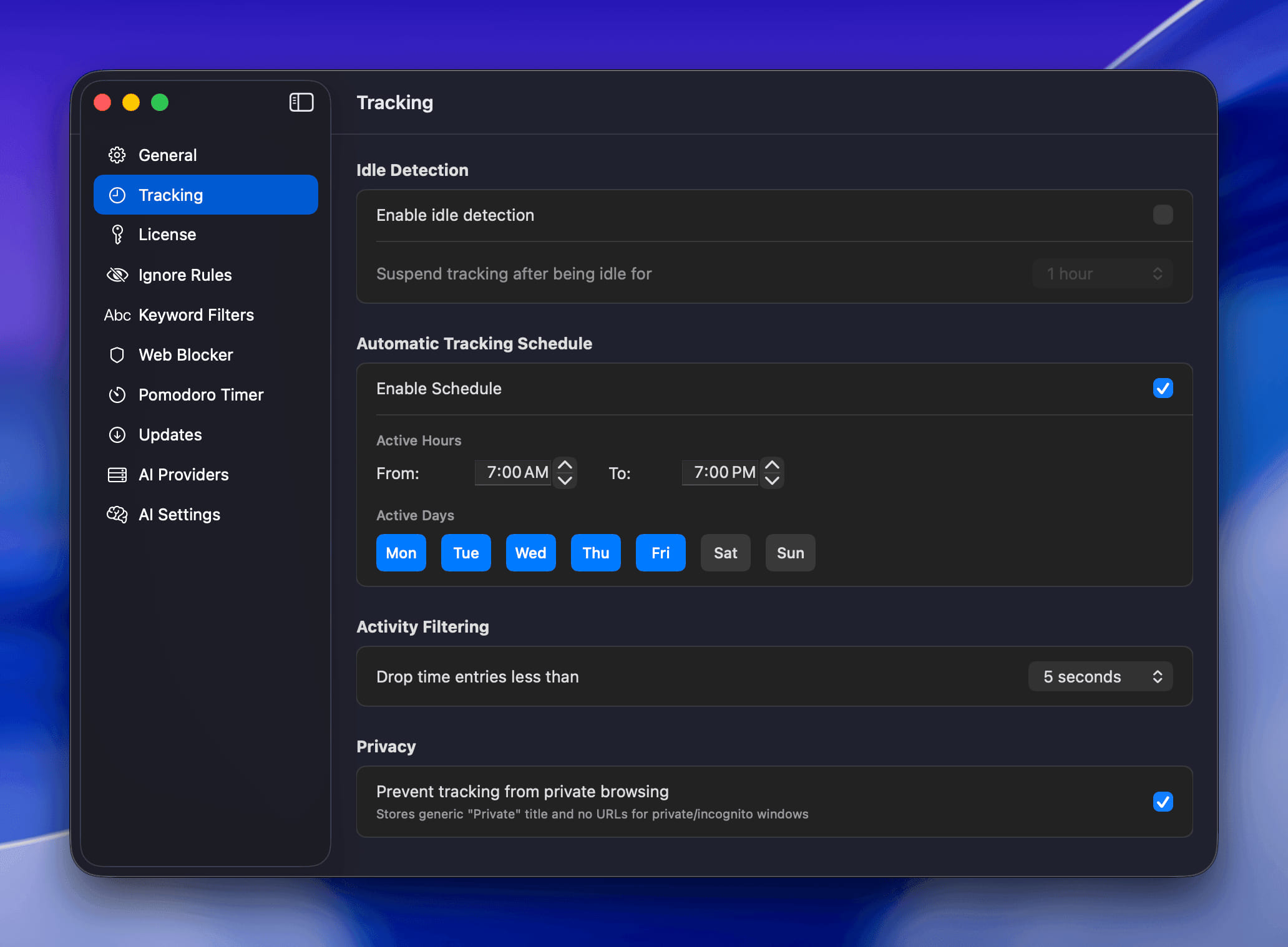
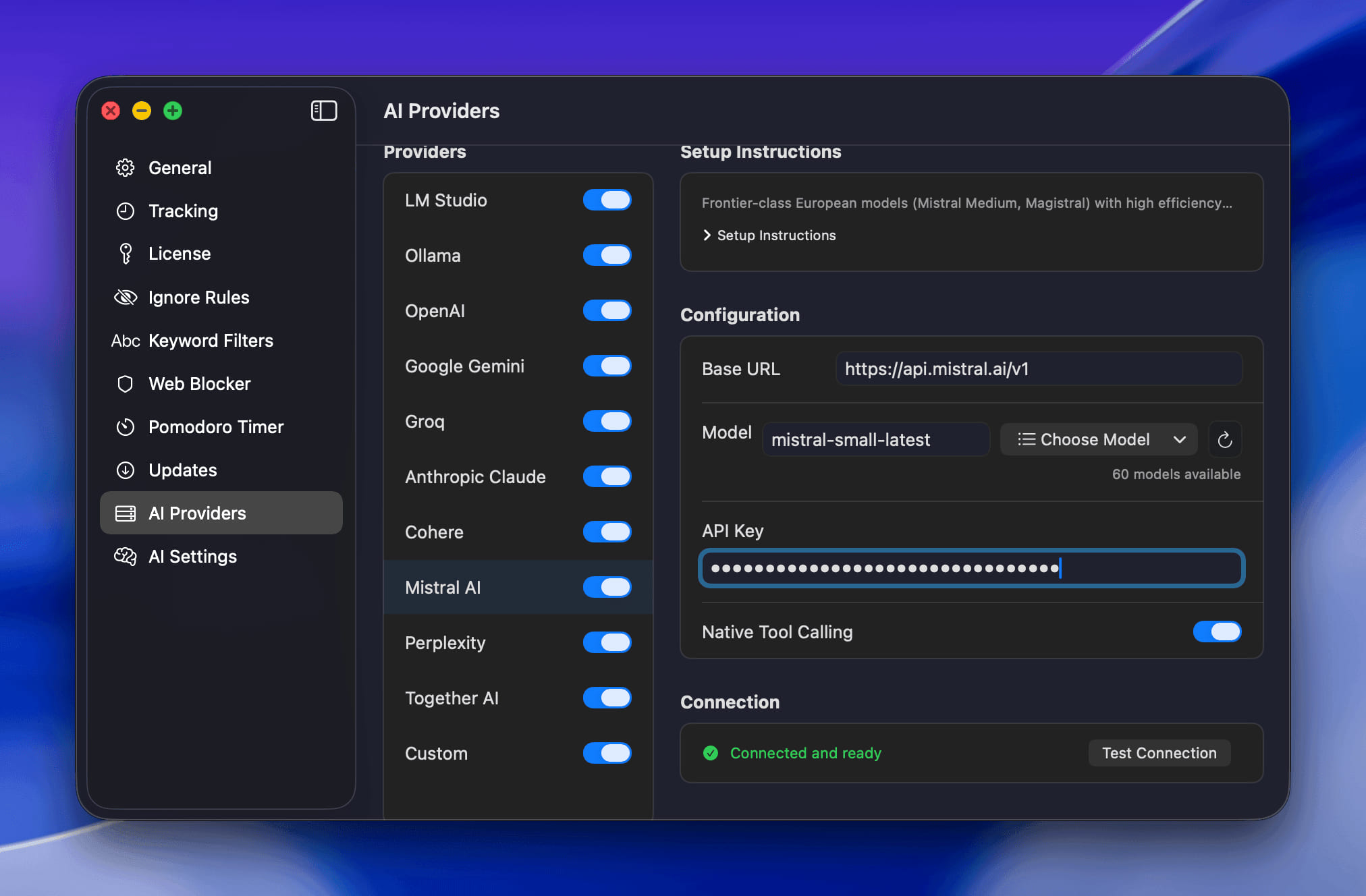
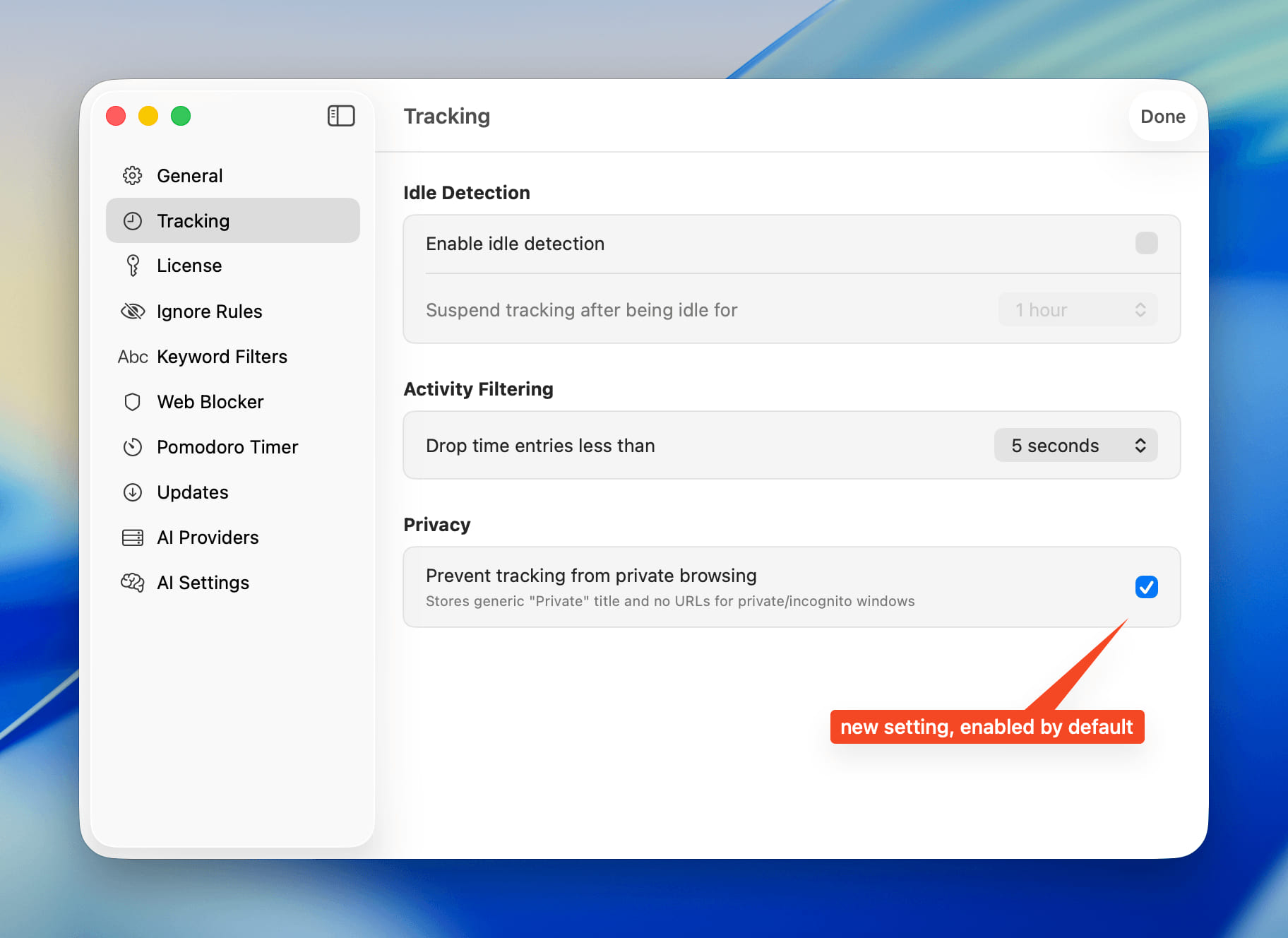
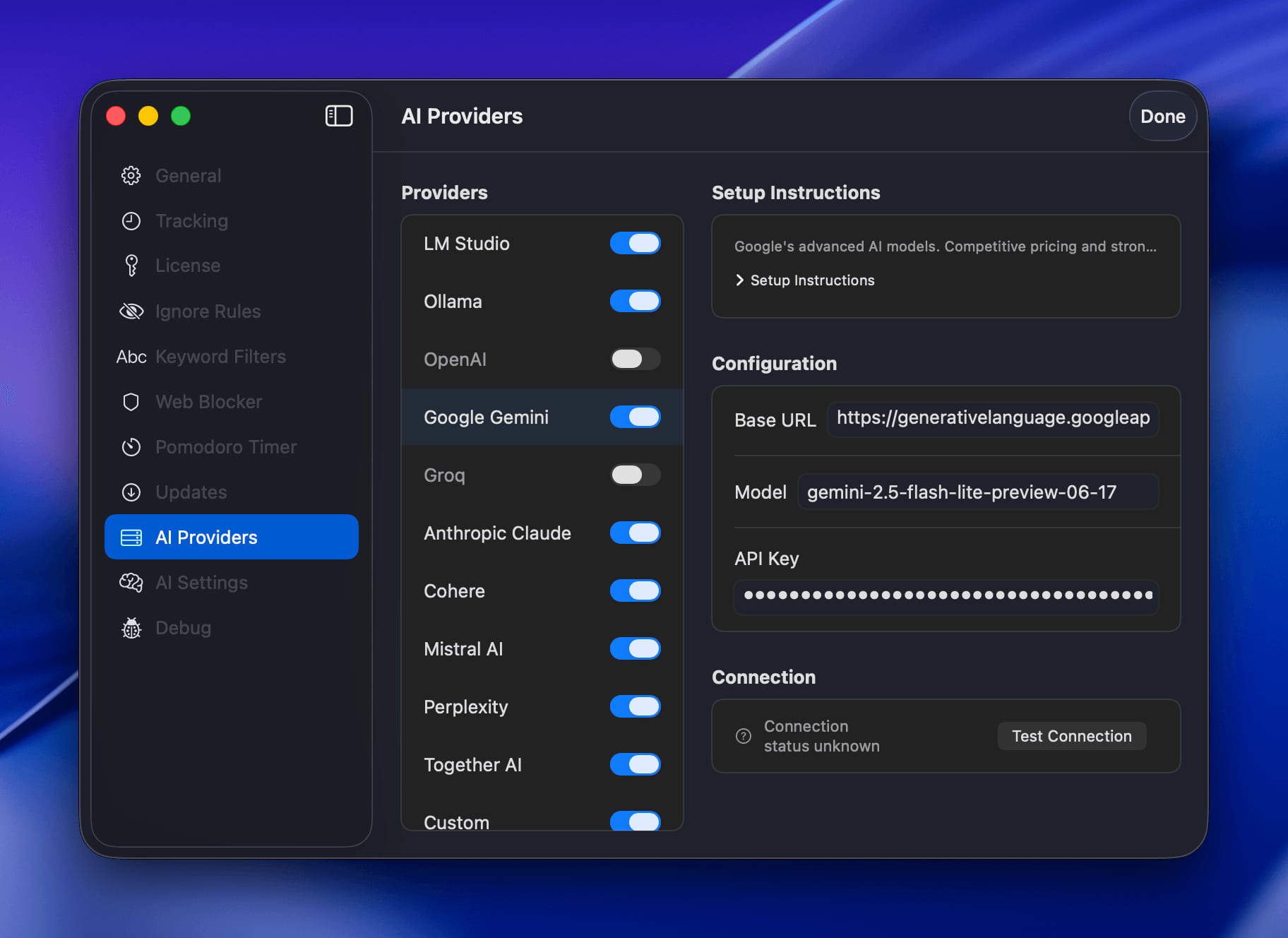
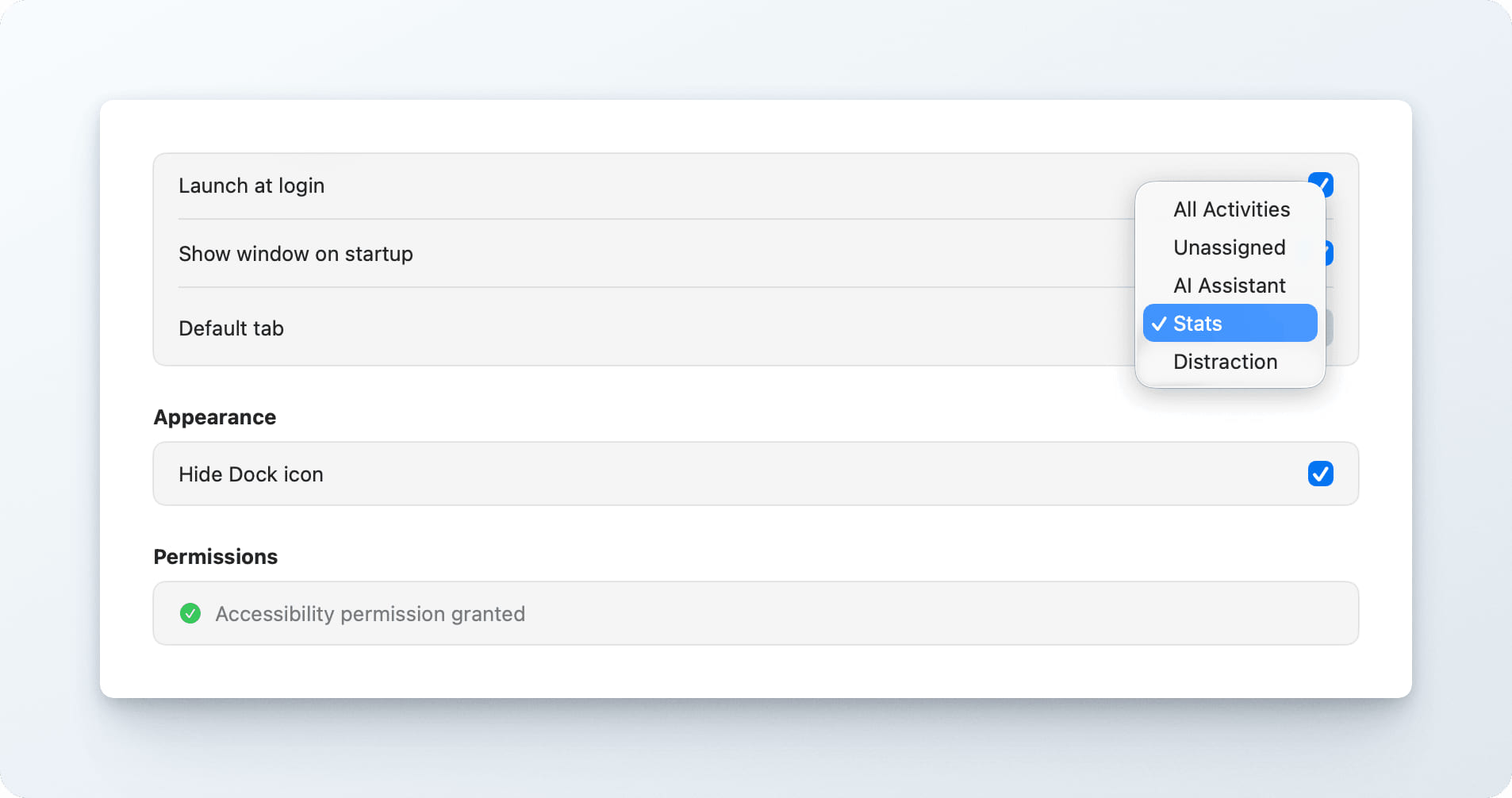
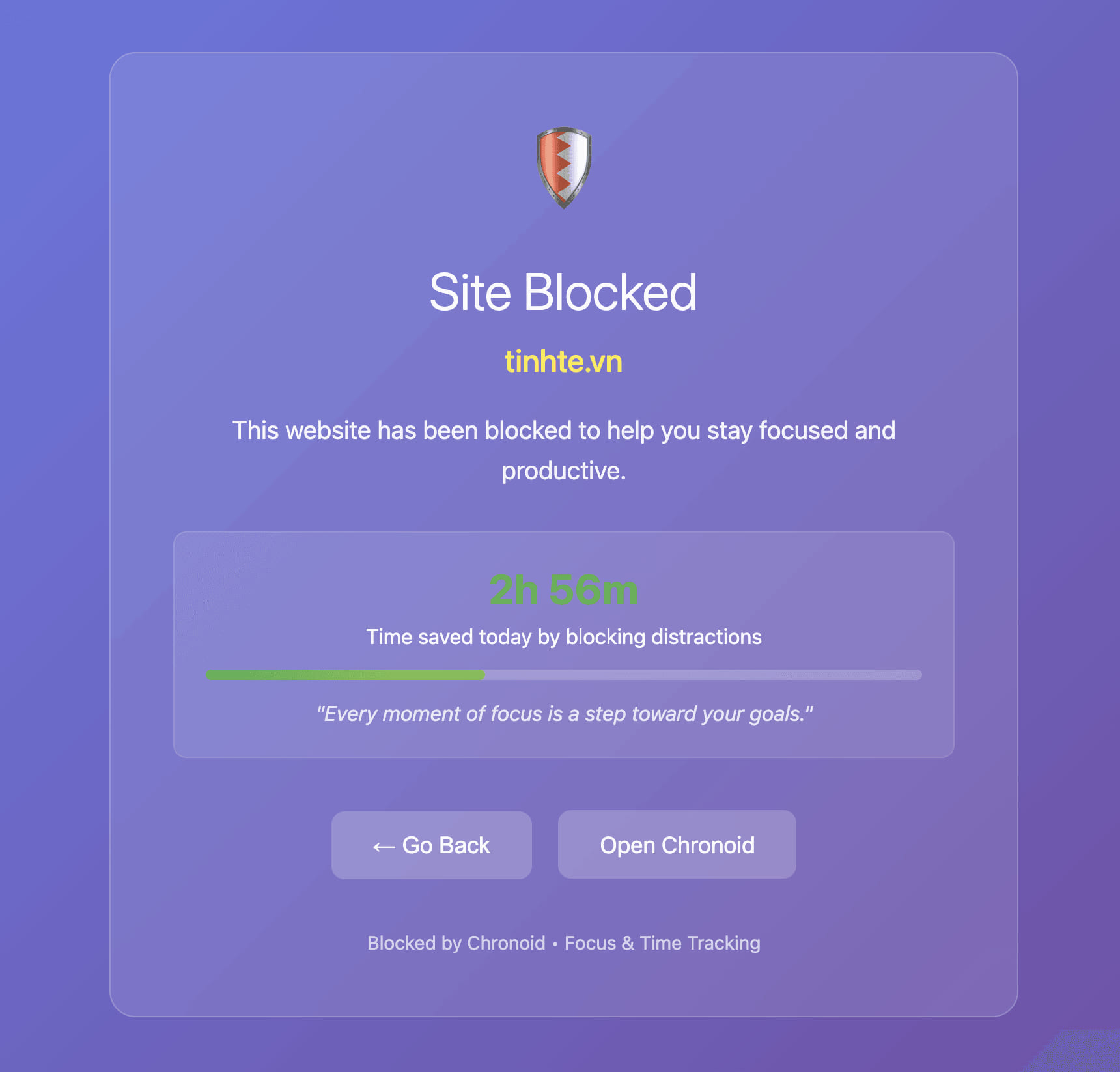
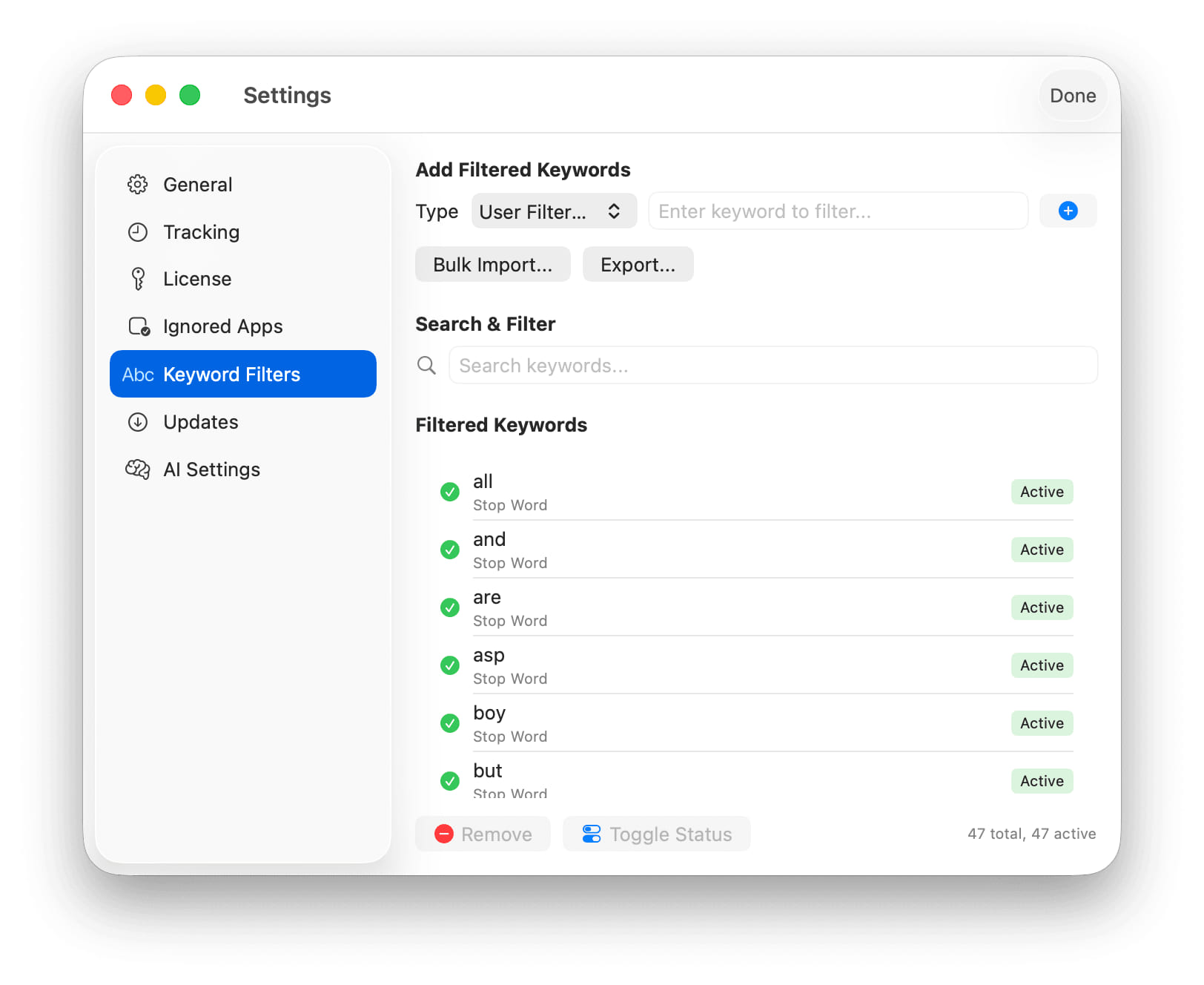
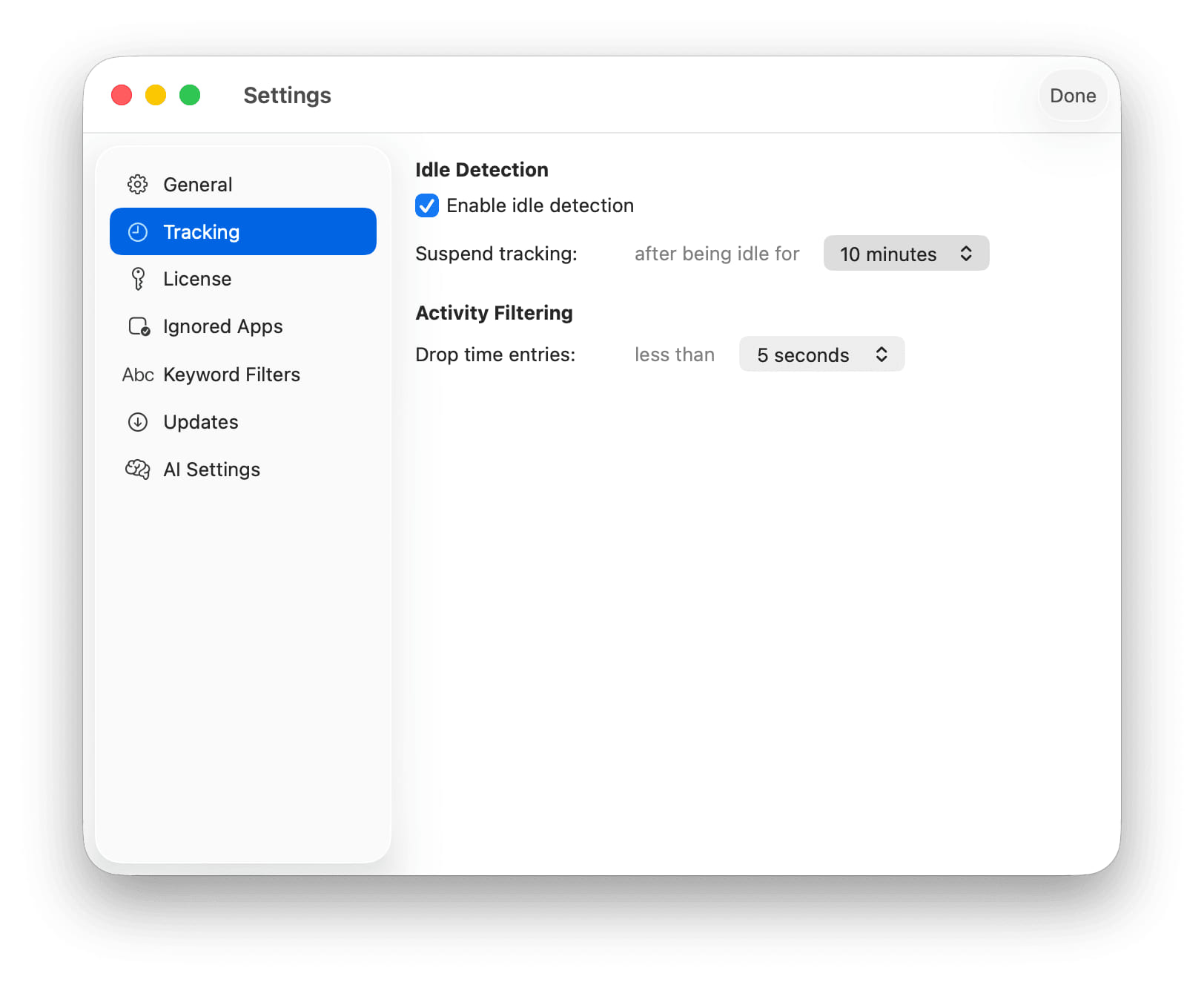
- Redesigned Settings - The settings sidebar is grouped into sections with System Settings-style icons. Integrations are grouped by type with their status at a glance and a short guide before you connect. The Web Blocker pane tells you what blocking is doing right now and when that changes, with a simpler schedule and a searchable blocklist.
Bug Fixes
- Claude Conversations Named on Every Mac - On some Macs every Claude Desktop session was recorded as plain "Claude", so rules could not sort it by conversation or client. Chronoid now reads the conversation name and project no matter what else is installed.